Removing and Installing a Low-Profile PCI Adapter
5-34
Stratus ftServer 2600, 4500, and 6300 Systems: Operation and Maintenance Guide
(R639)
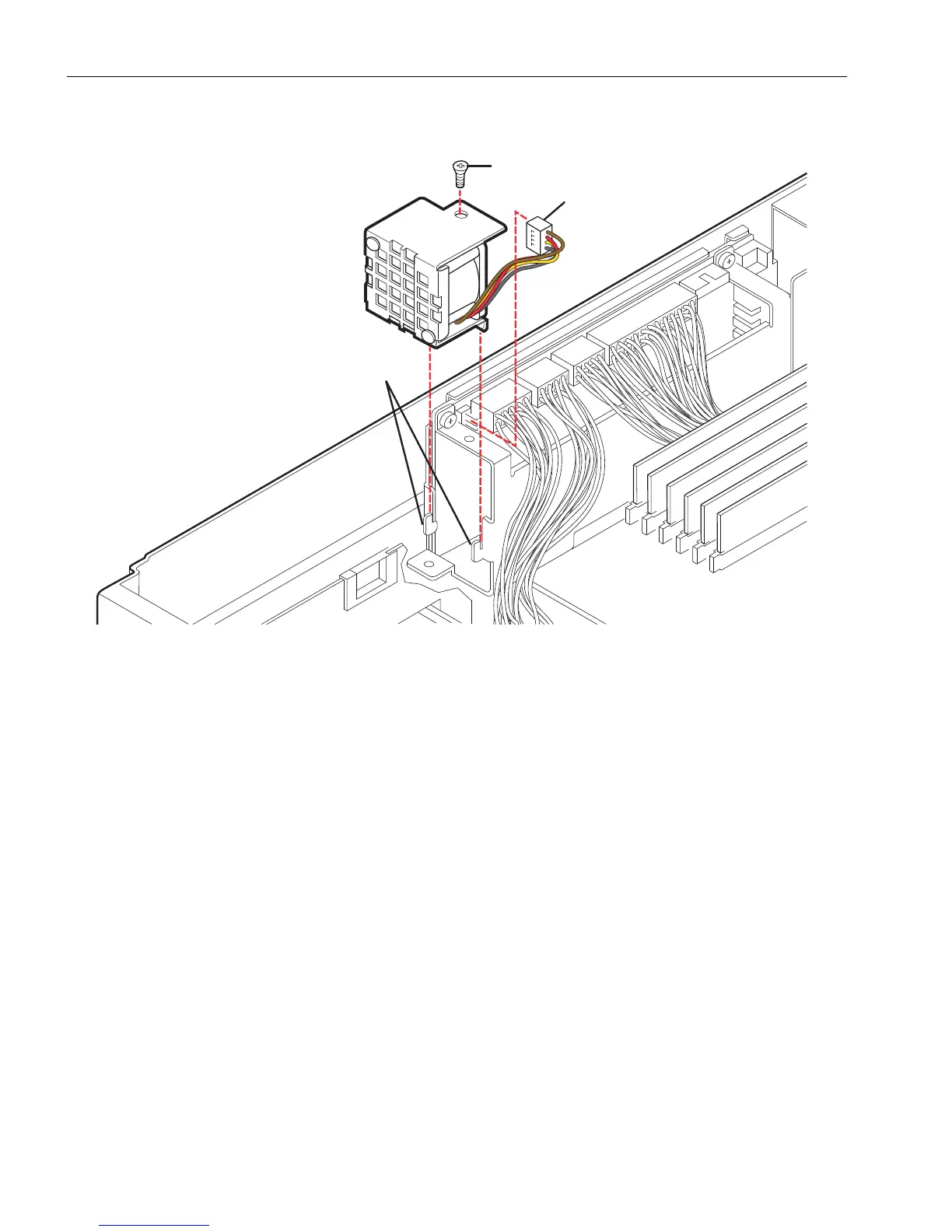
Figure 5-17. Replacing a Power Supply Fan
Removing and Installing a Low-Profile PCI Adapter
You may need to replace defective PCI adapters or add new adapters to your system
from time to time. See the following topics:
• “Removing a Low-Profile PCI Adapter” on page 5-35
• “Installing a Low-Profile PCI Adapter” on page 5-37
Also, see the
Stratus ftServer Systems: PCI Adapter Guide
(R461) for information
related to the PCI adapter model you are installing.
If installing adapters in a PCI riser assembly, see “Replacing a PCI Riser Assembly and
Its Adapters” on page 5-38.
Estimated time: Ten minutes.
1Tabs
2 Connector
3Screw



 To Next Page