Replacing the System Backplane Assembly
5-22
Stratus ftServer 2600, 4500, and 6300 Systems: Operation and Maintenance Guide
(R639)
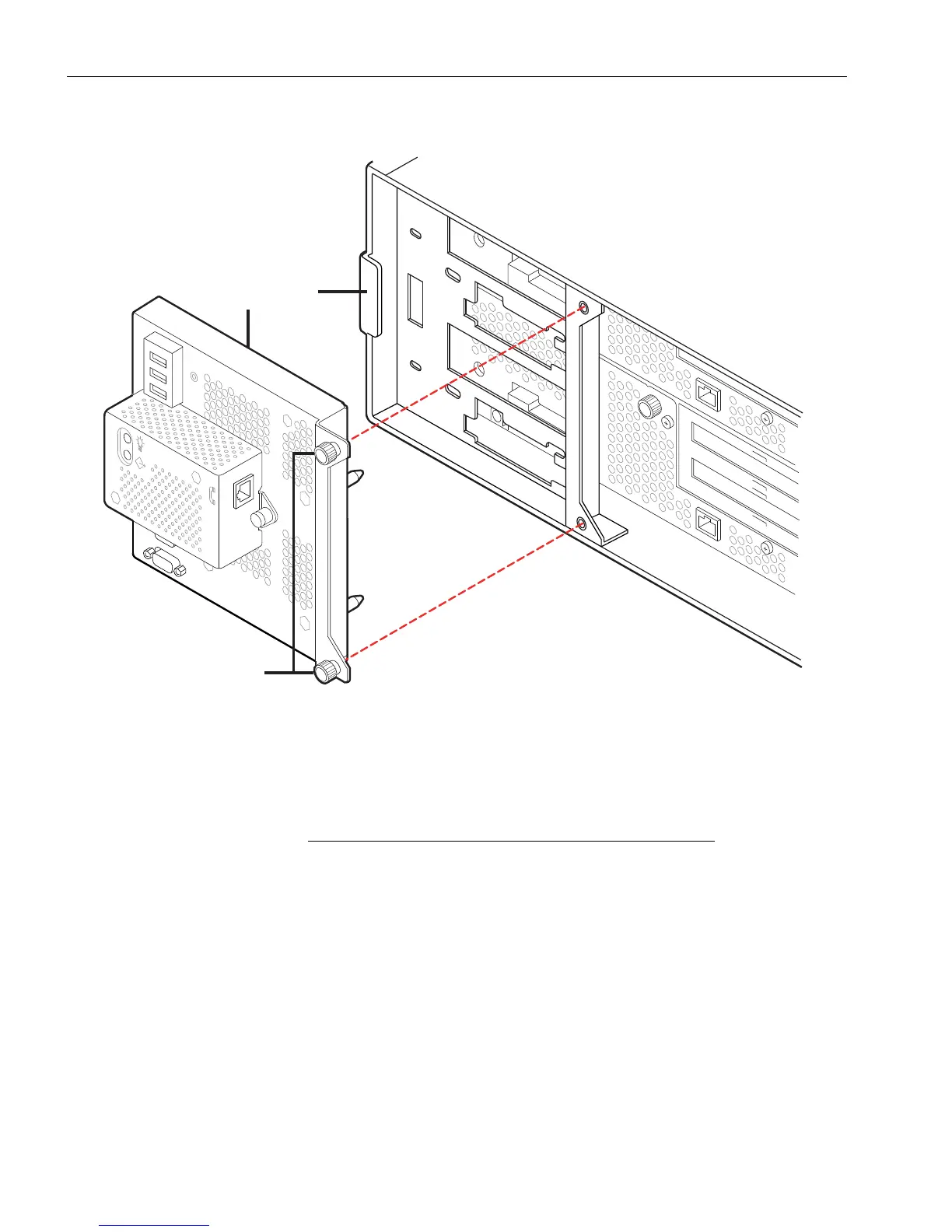
Figure 5-11. Replacing the System Backplane Assembly
If the system backplane assembly does not slide, pull the
enclosures a little further out of the system chassis.
If the system backplane assembly is defective, set it aside for repacking. See
“Repacking CRUs” on page 4-3.
Replacing the System Backplane Assembly
1. Line up the new system backplane assembly with the system chassis, as shown in
Figure 5-11. (The USB connectors are located on the upper left side of the
assembly.)
1 System backplane assembly 3 System backplane thumbscrews
2 Retaining tab



 To Next Page