Replacing a PCI Riser Assembly and Its Adapters
5-42
Stratus ftServer 2600, 4500, and 6300 Systems: Operation and Maintenance Guide
(R639)
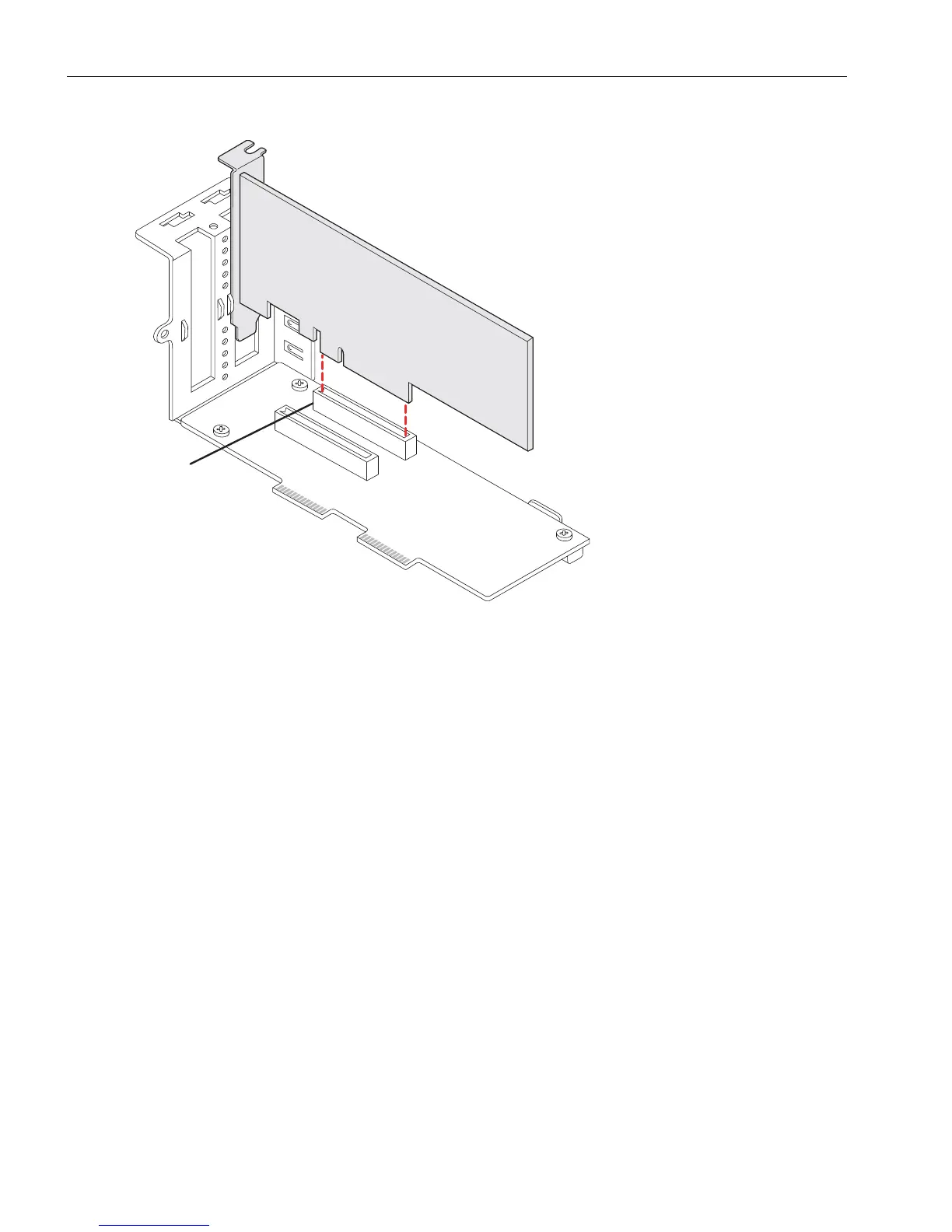
Figure 5-23. Removing an Adapter from the Connector on the PCI Riser
If you are replacing a defective PCI adapter, set it aside for repacking. See “Repacking
CRUs” on page 4-3.
Installing a Full-Height Adapter in the Riser Assembly
1. After removing any full-height adapters, install the replacement full-height adapter
by inserting it into its connector. (You can also install low-profile adapters in the PCI
riser assembly.)
When installing an adapter, be sure to slide its far end beneath the riser’s circuit
board and above the metal edge at the end of the riser (see the highlighted area of
Figure 5-24).
1 Adapter connector



 To Next Page