Removing and Installing a Low-Profile PCI Adapter
5-36
Stratus ftServer 2600, 4500, and 6300 Systems: Operation and Maintenance Guide
(R639)
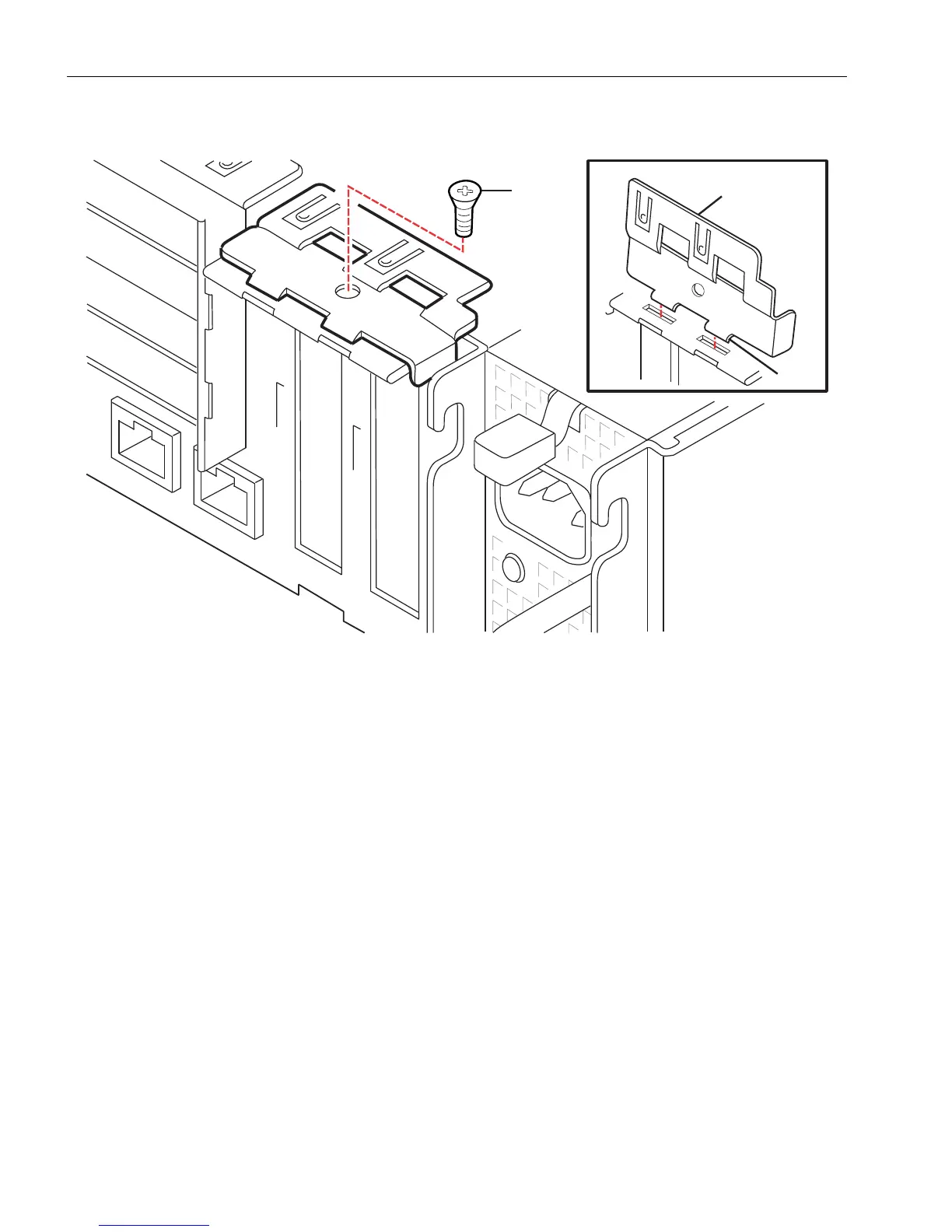
Figure 5-18. Removing the PCI Adapter Bracket
4. Remove the bracket by lifting it into a semi-upright position and removing its two
lower tabs from the slots.
5. Pull the PCI adapter (number 1 in Figure 5-19) out of its connector (number 2). If
the adapter does not disconnect easily, use a firm side-to-side tugging motion while
maintaining steady pressure on the adapter.
1Screw
2 Low-profile PCI adapter bracket
3 Lower tabs



 To Next Page