Status LEDs and System Buttons
3-10
Stratus ftServer 2600, 4500, and 6300 Systems: Operation and Maintenance Guide
(R639)
Ethernet LEDs and VTM port LEDs indicate the operational status and transmission
rates of the respective components. See “Ethernet and VTM Port LEDs” on page 3-12
for details.
PCI adapter LEDs indicate the operational status of the PCI adapters. See the
Stratus
ftServer Systems: PCI Adapter Guide
(R461) for details.
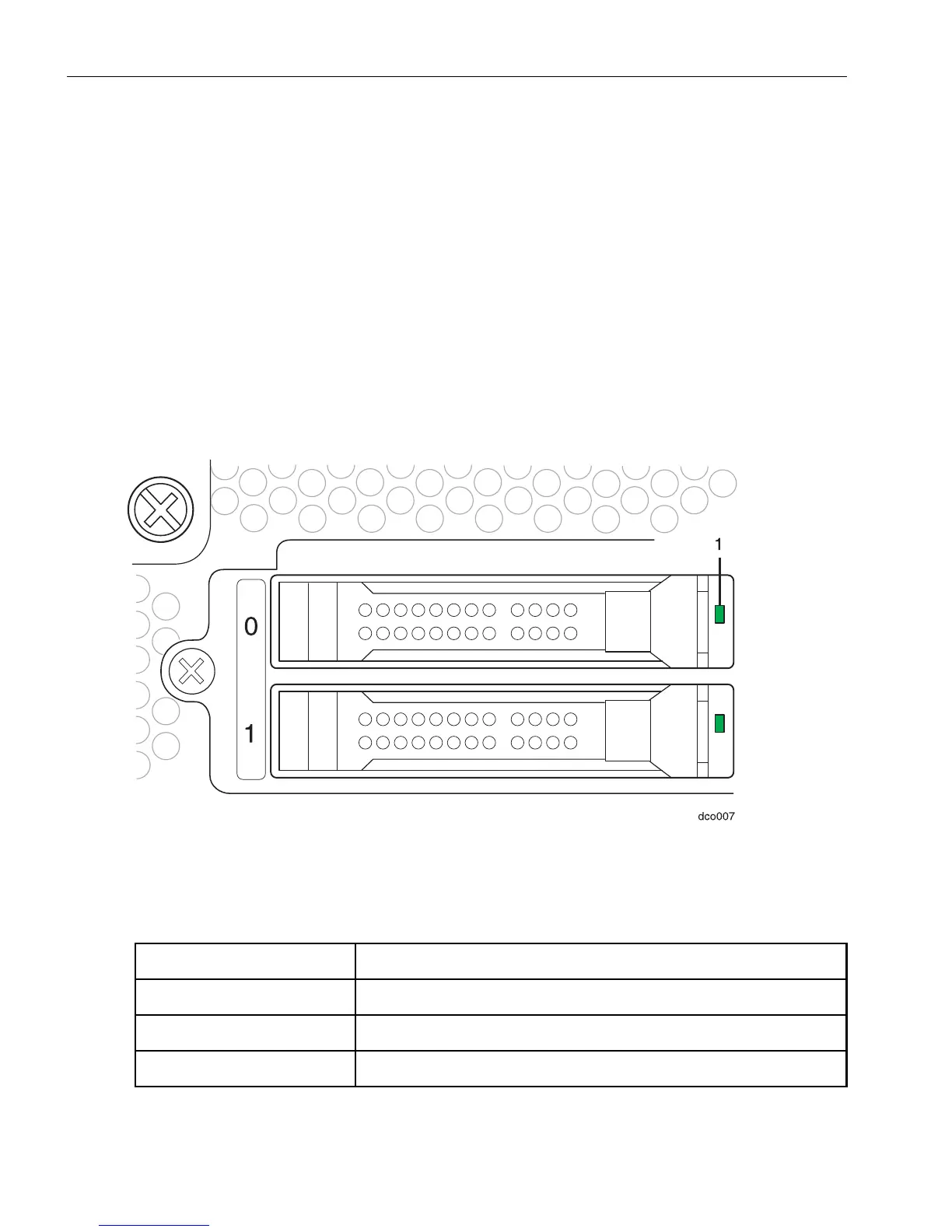
Hard Disk Drive Status LEDs
Each hard disk drive has a single LED (Figure 3-3), which may be on, off, green,
blinking green, yellow, or blinking yellow. Ta b l e 3-4 describes the hard disk drive LED
states.
Figure 3-3. Hard Disk Drive LEDs
1 Hard disk drive LED
Table 3-4. Hard Disk Drive LEDs
Status Description
Off Safe to remove. Idle or duplexed.
Steady green Do not remove. System is locating (identifying) a disk.
Steadily blinking green Safe to remove.



 To Next Page