Removing and Replacing a CPU-I/O Enclosure
Installing and Replacing System Components
5-9
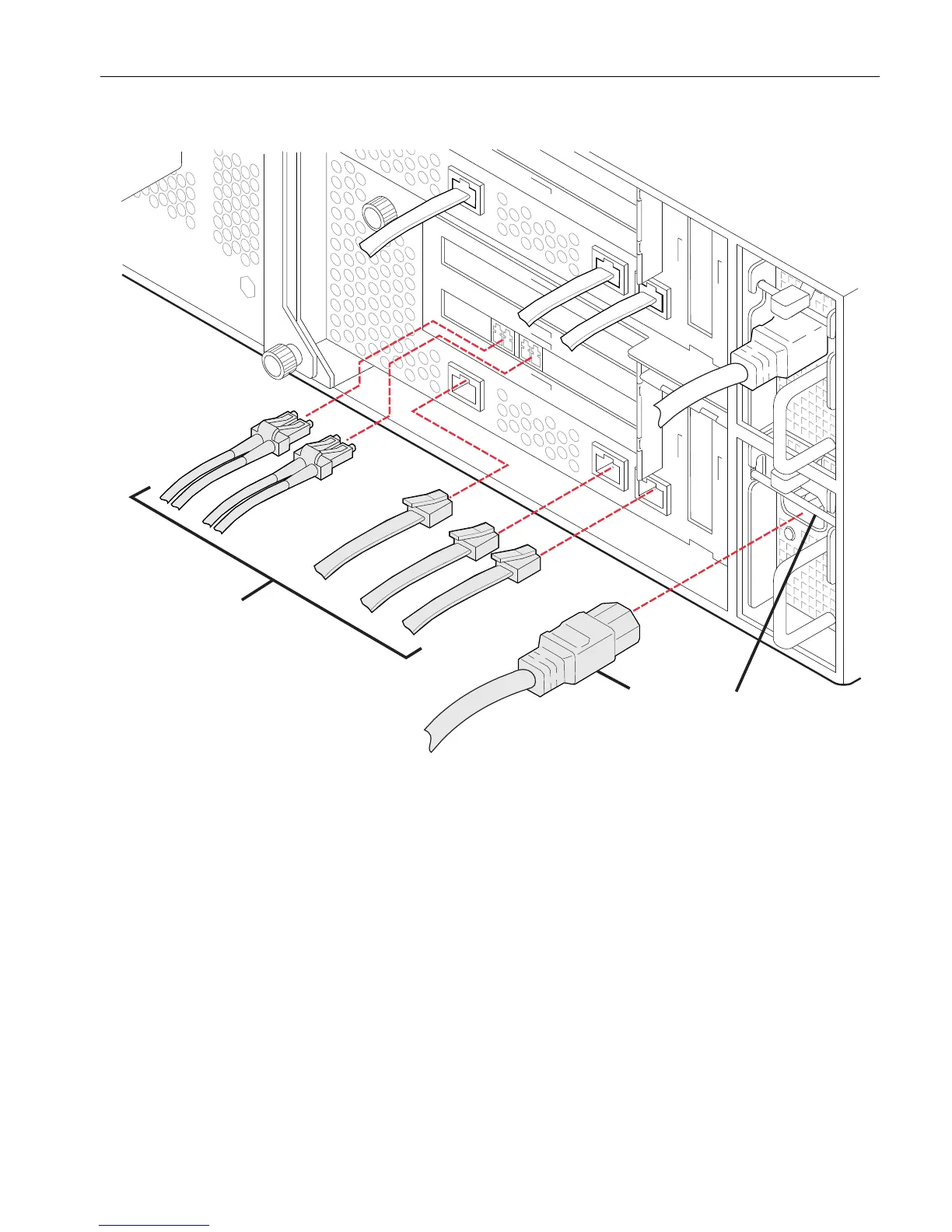
Figure 5-3. Disconnecting a CPU-I/O Enclosure
5. Loosen the thumbscrews (number 3 in Figure 5-4) on the release levers
(number 1) at the front of the enclosure.
6. Pull the two release levers down to disengage them from the positioning pins
(number 2) and to loosen the enclosure from the rails. Pull the enclosure a few
inches out of the slot.
1Power cord
2 Data cables
3 Power-cord locking bar



 To Next Page