Replacing or Installing a Modem Assembly
5-50
Stratus ftServer 2600, 4500, and 6300 Systems: Operation and Maintenance Guide
(R639)
Replacing the Modem Assembly
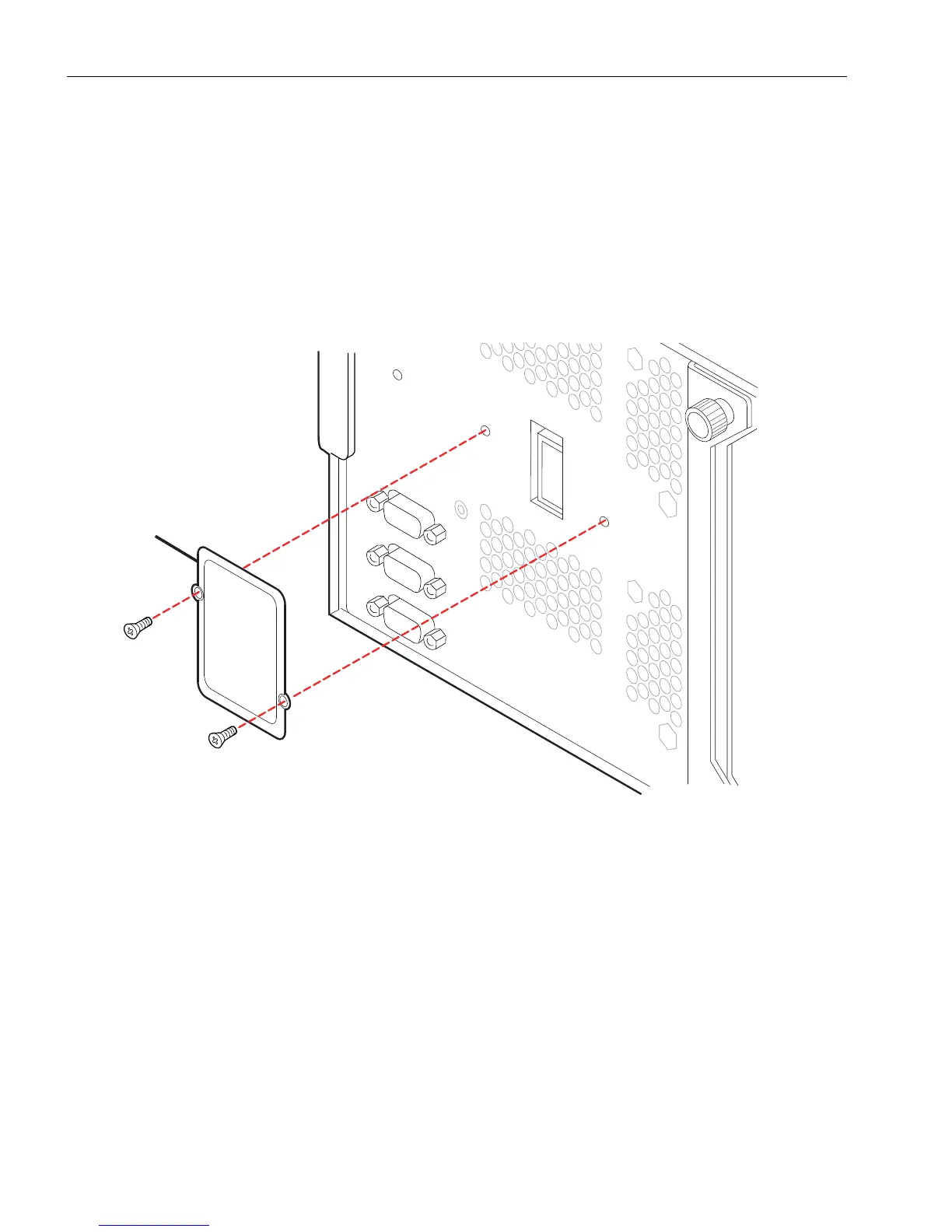
1. If you are installing a modem for the first time, a metal plate (number 1 in
Figure 5-28) covers the modem connector. Remove the plate by removing its two
screws.
2. With the power removed from the modem, line up the modem assembly (number 1
in Figure 5-27) with the connector on the system backplane assembly.
Figure 5-28. Removing the Metal Plate Over the Modem Connector
3. Press the modem assembly firmly into the connector. The modem connector is
keyed to fit only the correct way.
4. Tighten the two captive screws (number 2 in Figure 5-27) on the modem assembly
to fasten it to the system backplane assembly.
5. Connect the phone line to the connector (number 3 in Figure 5-27) on the modem
assembly.
1 Metal plate



 To Next Page