Status LEDs and System Buttons
3-14
Stratus ftServer 2600, 4500, and 6300 Systems: Operation and Maintenance Guide
(R639)
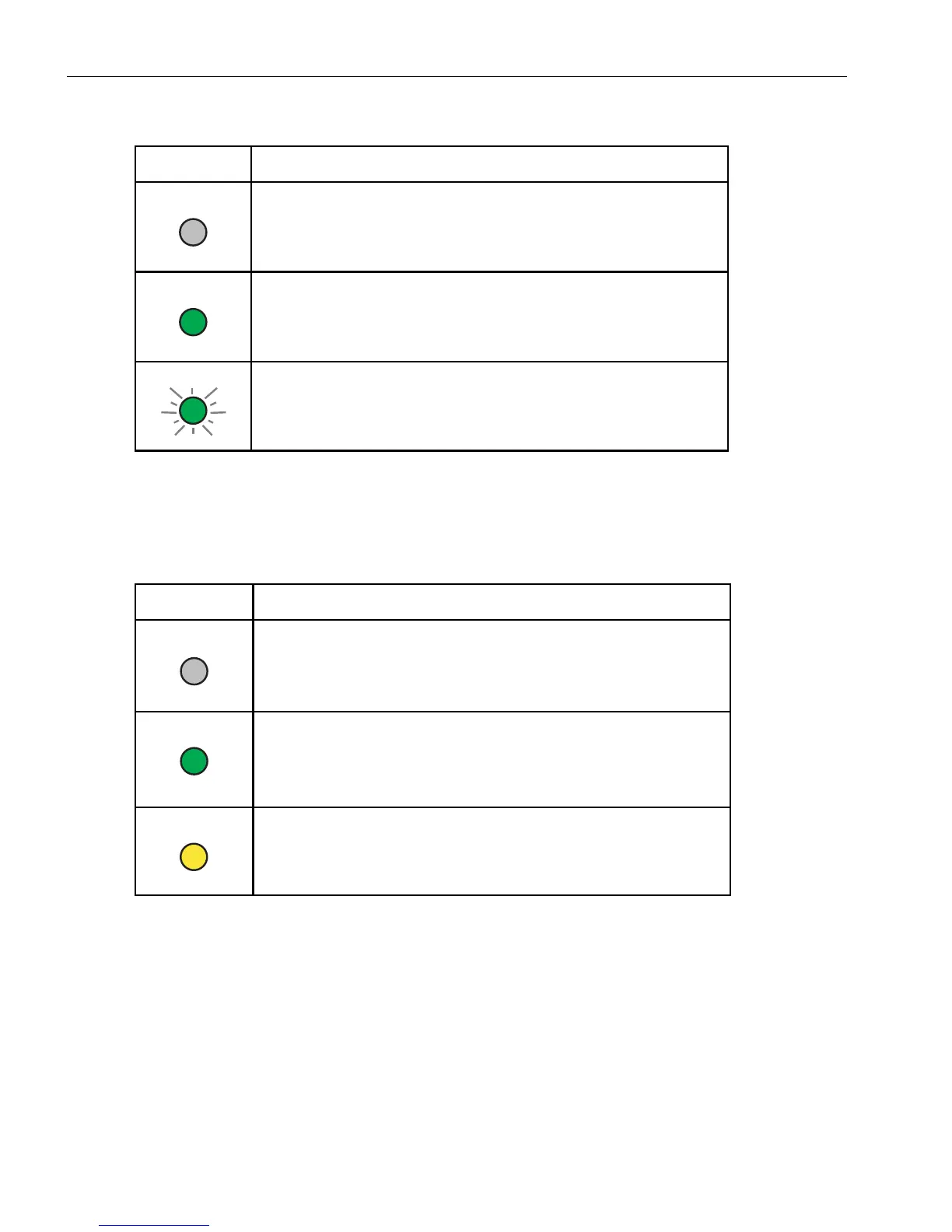
Ta bl e 3- 6 describes the states of the connection speed LED for the Ethernet port and
the VTM port.
See your system administration documentation for information about component failures and
ways to correct them.
Modem Assembly: Status LEDs
When present, a single modem assembly is attached to the system backplane
assembly at the rear of the system. The modem assembly has a green power LED and
a yellow attention (fault or identify) LED.
Table 3-5. Ethernet Port and VTM Port Activity LED States
LED State Description and Meaning
Activity LED is off.
No link is present.
Activity LED is lit steady green.
The link is present but idle.
Activity LED is lit blinking green.
Data is being transferred over the link.
Table 3-6. Ethernet Port and VTM Port Connection Speed LED States
LED State Description and Meaning
Connection-speed LED is off.
Port is connected at 10 Mbps.
Connection-speed LED is lit steady green.
Port is connected at 100 Mbps.
Connection-speed LED is lit steady yellow.
Port is connected at 1 Gbps.



 To Next Page