S Class 2 cutter Service manual
Replacements guidelines 2-19
14. Reboot the cutter.
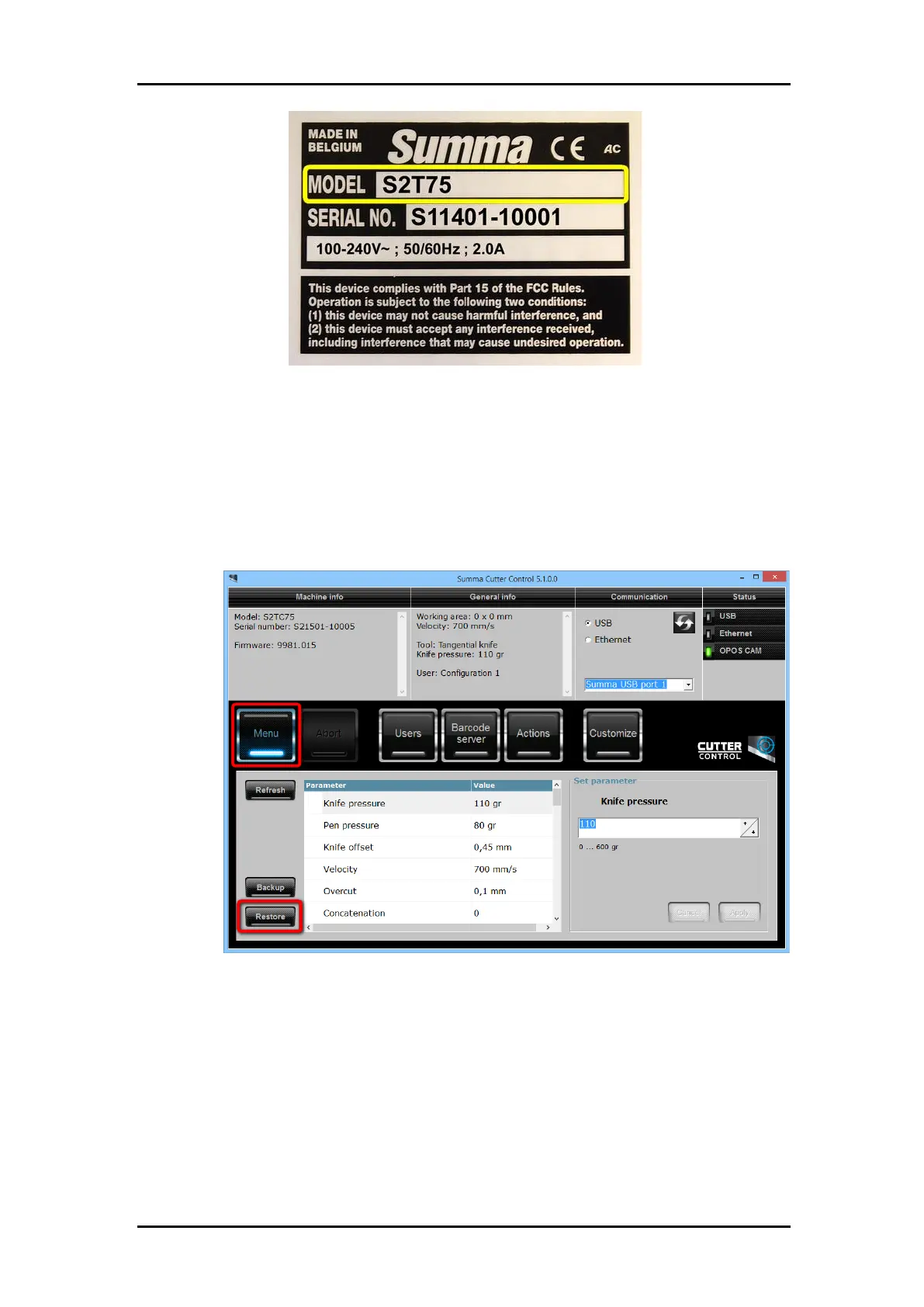
15. Restore the previously made back-up:
20. Connect the cutter with a computer. Verify communication parameters on cutter
and computer to match.
21. Start Summa Cutter Control.
22. Click [Settings], [Restore…].
23. Browse for the backup file previously made.
24. Wait 30 seconds for the configuration to be completed.
16. In case the creation of the backup was not possible, then the following configurations
need to be done:



 To Next Page