SummaCut User’ s Manual
Contour Cutting 3-6
3.3 CREATING THE DESIGN
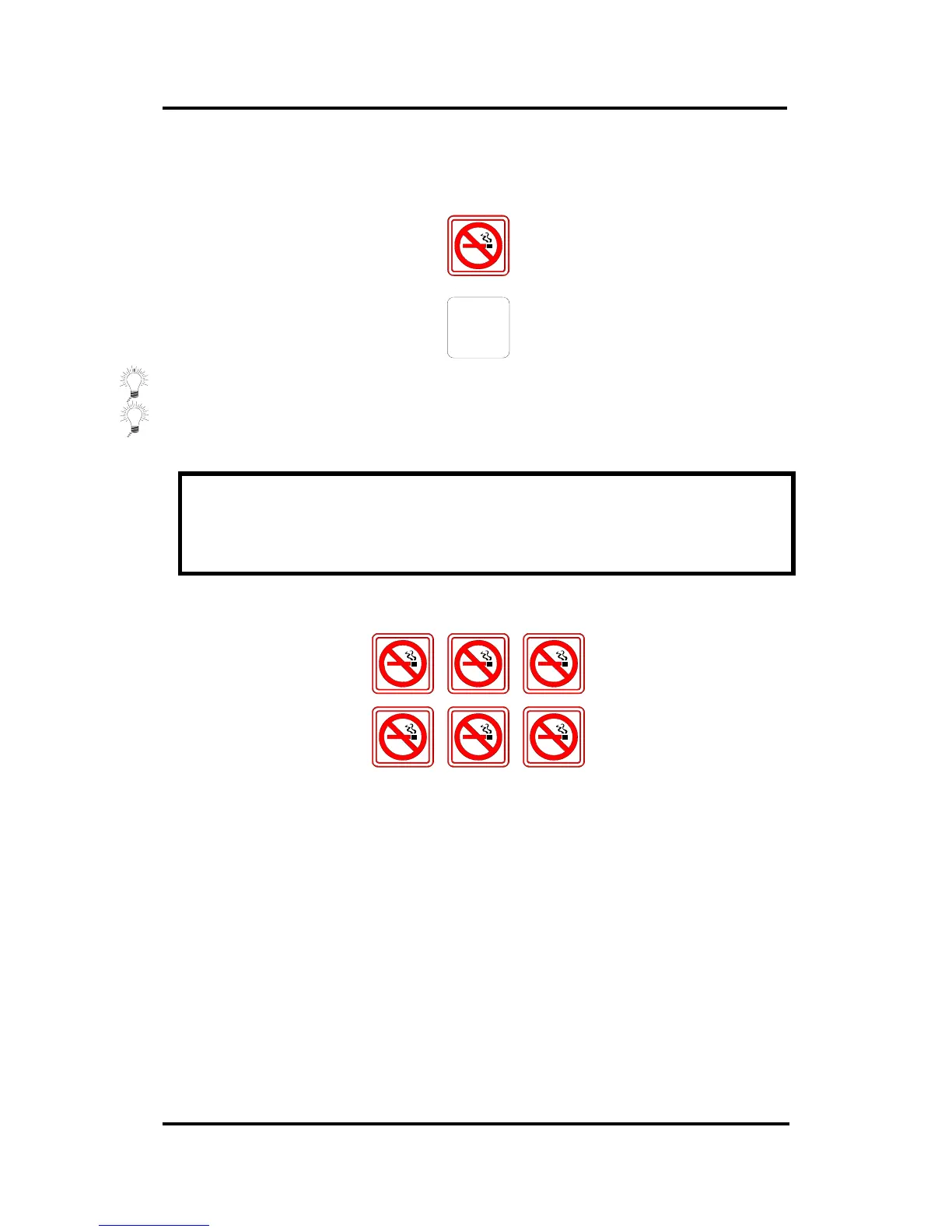
• Create in your software the design you want to print and Cut:
• Define the Contour:
⇒ Do not define the contour exactly on a printed line. This way it will not catch
the eye if the contour has moved a little during cutting.
⇒ Place the contour on a separate layer, assign a unique color to it, etc. (refer to
your software documentation), so that it is easy to select the contour or the
design.
NOTE
Most dedicated sign-making software will provide some easier ways to do all this.
Please contact your dealer.
• Make multiple copies if necessary (of both the design and the contour):



 To Next Page