Chapter 6 First-Time Configuration 6-25
b. After all physical drives have been selected for the logical drive, press the
Escape key.
A list of selections is displayed.
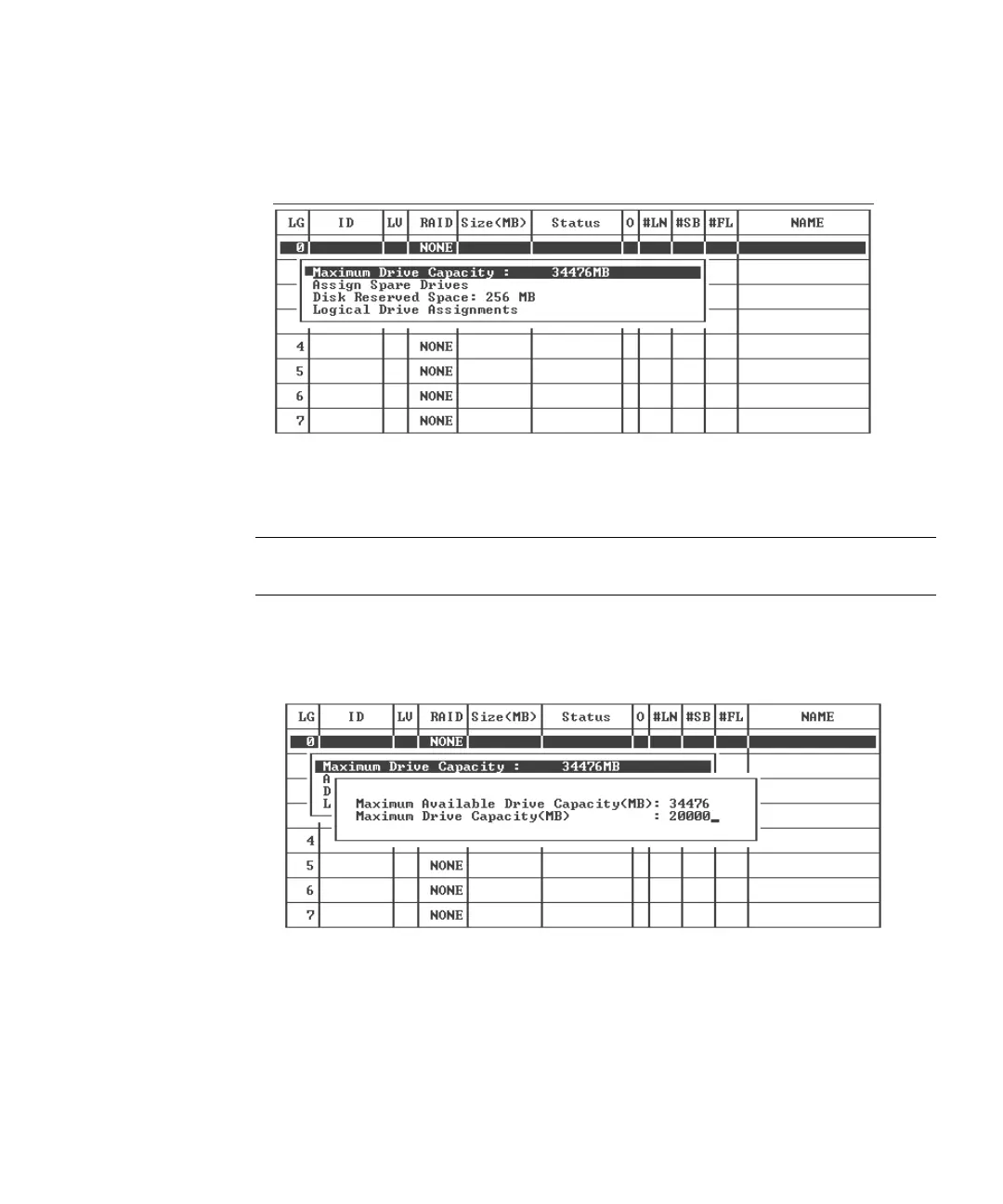
6. (Optional) Set the maximum physical drive capacity.
a. (Optional) Choose “Maximum Drive Capacity.”
Note – Changing the maximum drive capacity reduces the size of the logical drive
and leaves some disk space unused.
b. (Optional) Type a capacity for the logical drive you are creating and press
Return.
A logical drive should be composed of physical drives with the same capacity. A
logical drive can only use the capacity of each drive up to the maximum capacity
of the smallest drive.
7. (Optional) Add a local spare drive from the list of unused physical drives.



 To Next Page