E-2 Sun StorEdge 3000 Family Installation, Operation, and Service Manual • May 2004
E.2 DB9 COM port
The COM port is a female DB9 connector that requires a male DB9 null modem
cable.
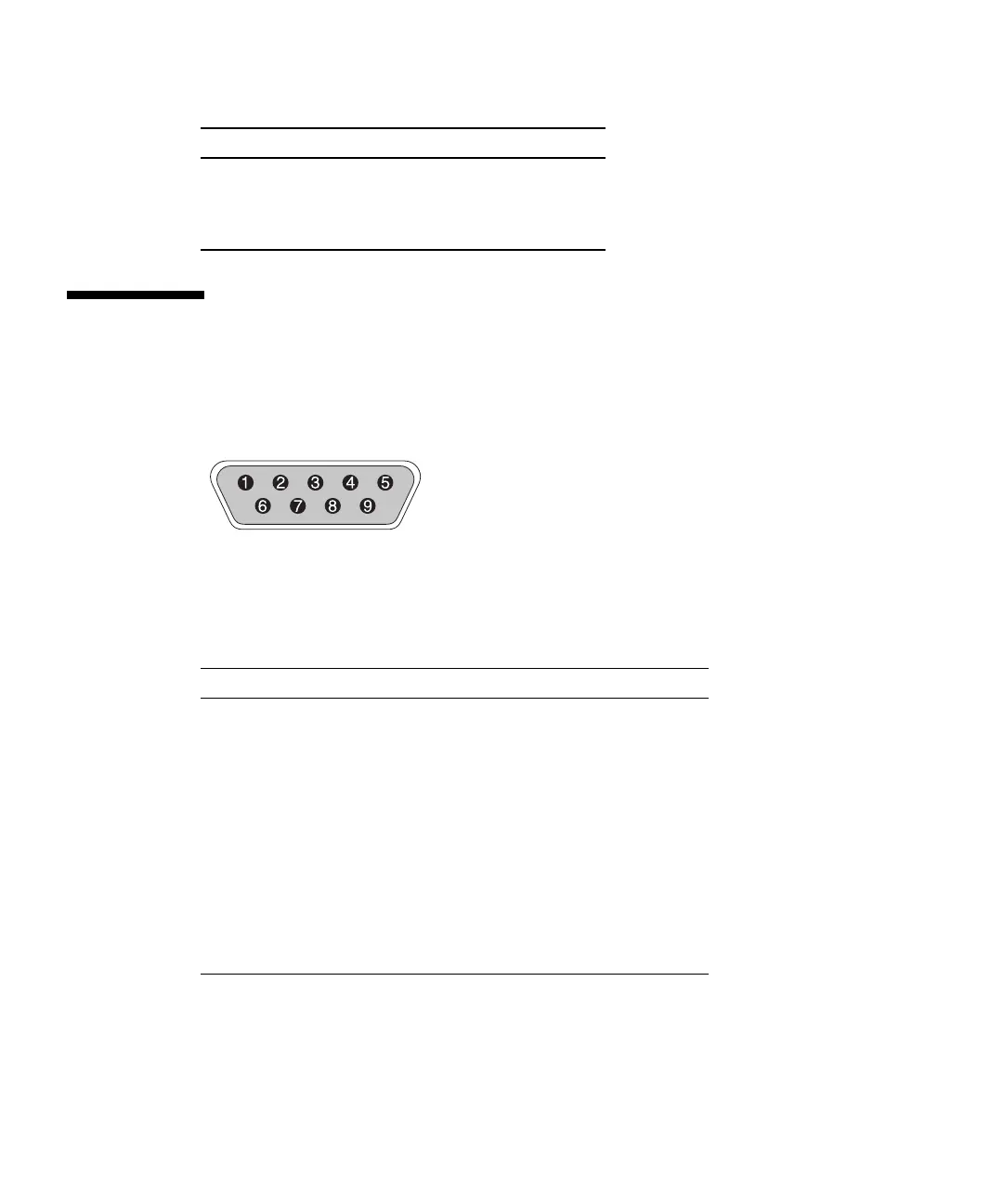
FIGURE E-2 RS-232 DB9 (EIA/TIA 574) View of the Male End
6 RX – Green
7 White with brown
8 Brown
TABLE E-2 Pin Names
Pin No. Name Notes/Description
1 DCD Data Carrier Detect
2 RD Receive Data (also called RxD, Rx)
3 TD Transmit Data (also called TxD, Tx)
4 DTR Data Terminal Ready
5 SGND Ground
6 DSR Data Set Ready
7 RTS Request To Send
8 CTS Clear To Send
9 RI Ring Indicator
TABLE E-1 Ethernet RJ-45 Pin Description (Continued)
Pin No. Description Color



 To Next Page