4-48 Sun Fire X4450 Server Service Manual • November 2009
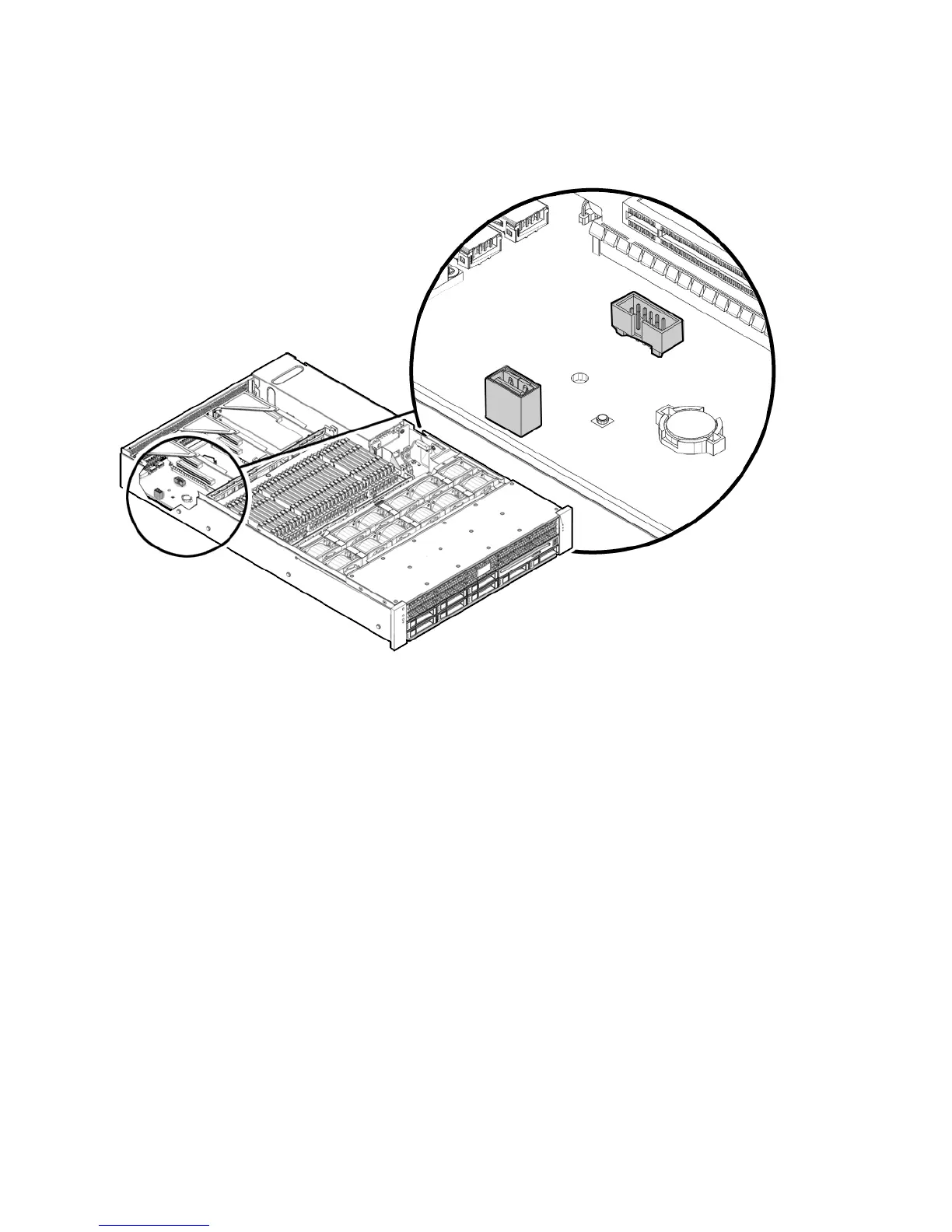
FIGURE 4-22 Internal USB Port
9. Connect AC power cables.
See Section 6.4, “Powering On the Server” on page 6-5.
10. Power on the server.
See Section 6.4, “Powering On the Server” on page 6-5.
A message appears stating that the BMC was not found.
The server takes up to three minutes to boot.
11. Press F2 to enter system BIOS, and verify that the Flash device is in the boot
order.
12. After the flash device has booted, run the following command:
socflash.exe SP binary backup file
For example:
socflash.exe s92v092.bin backup.bin














 To Next Page