APPENDIX B - PORTS
96
SG-System I Operating Manual
B
Serial Printer Port (COM2)
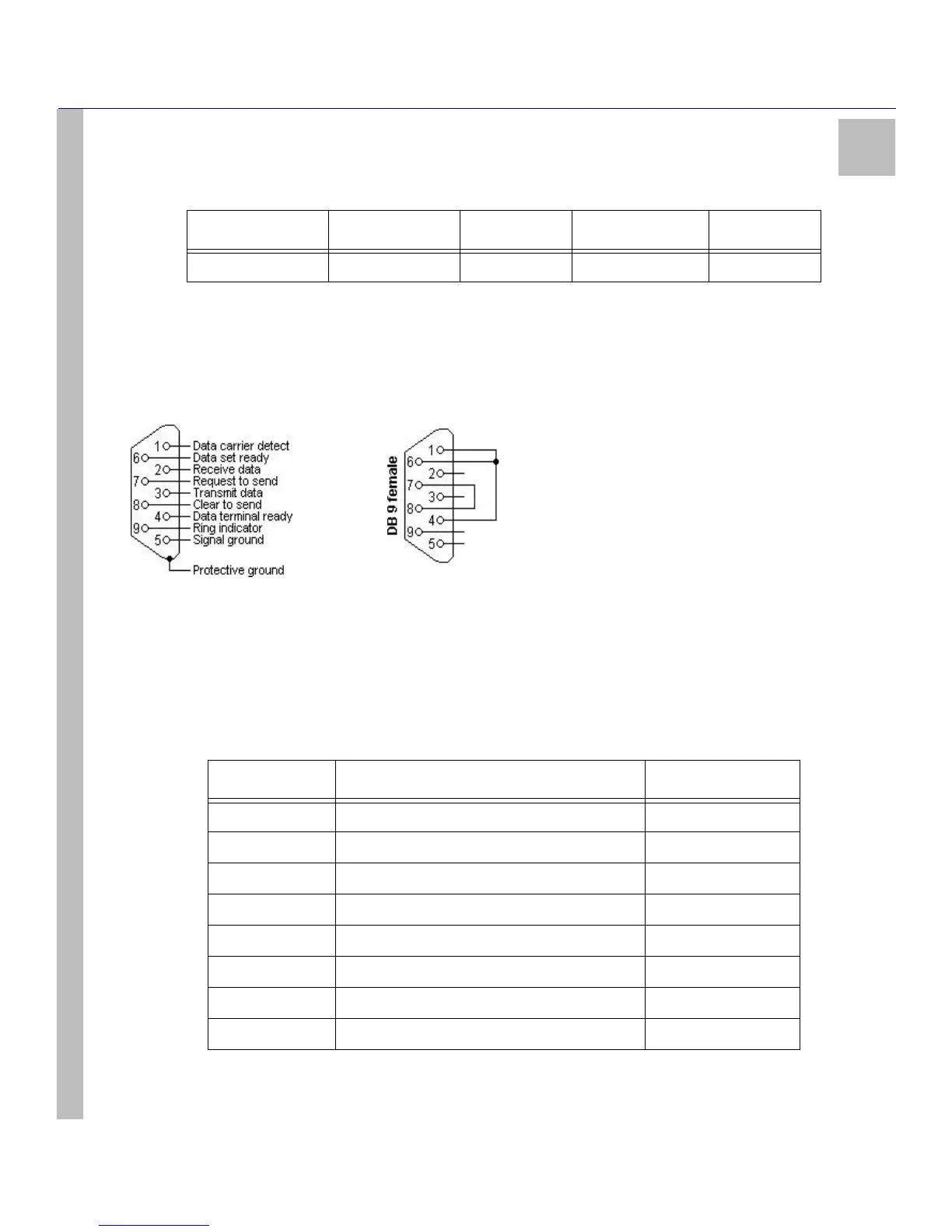
The serial printer port or serial computer port can be connected to a DB9 connector to act as a printer port.
Figure 10: Printer Port
RS-232 Serial Automation
The serial automation port is used to send automation signals to the automation computer using the Sur-Gard Automation pro-
tocol. Only the serial port requires RX, TX, and GRD.
18 - 25 Ground - - -
Table 39: Serial Printer Port
RJ45 Pin no Description in relation to SG-System I DB9 Pin no
1 Not connected 6
2CTS 8
3GRD 5
4TX 3
5RX 2
6DCD 1
7RTS 7
8 Not connected Not connected
Table 38: Parallel Printer Port Pinouts
Pin no (DB25) Signal name Direction Register - bit Inverted



 To Next Page