CHAPTER ONE - INTRODUCTION
9
SG-System I Operating Manual
1
Features
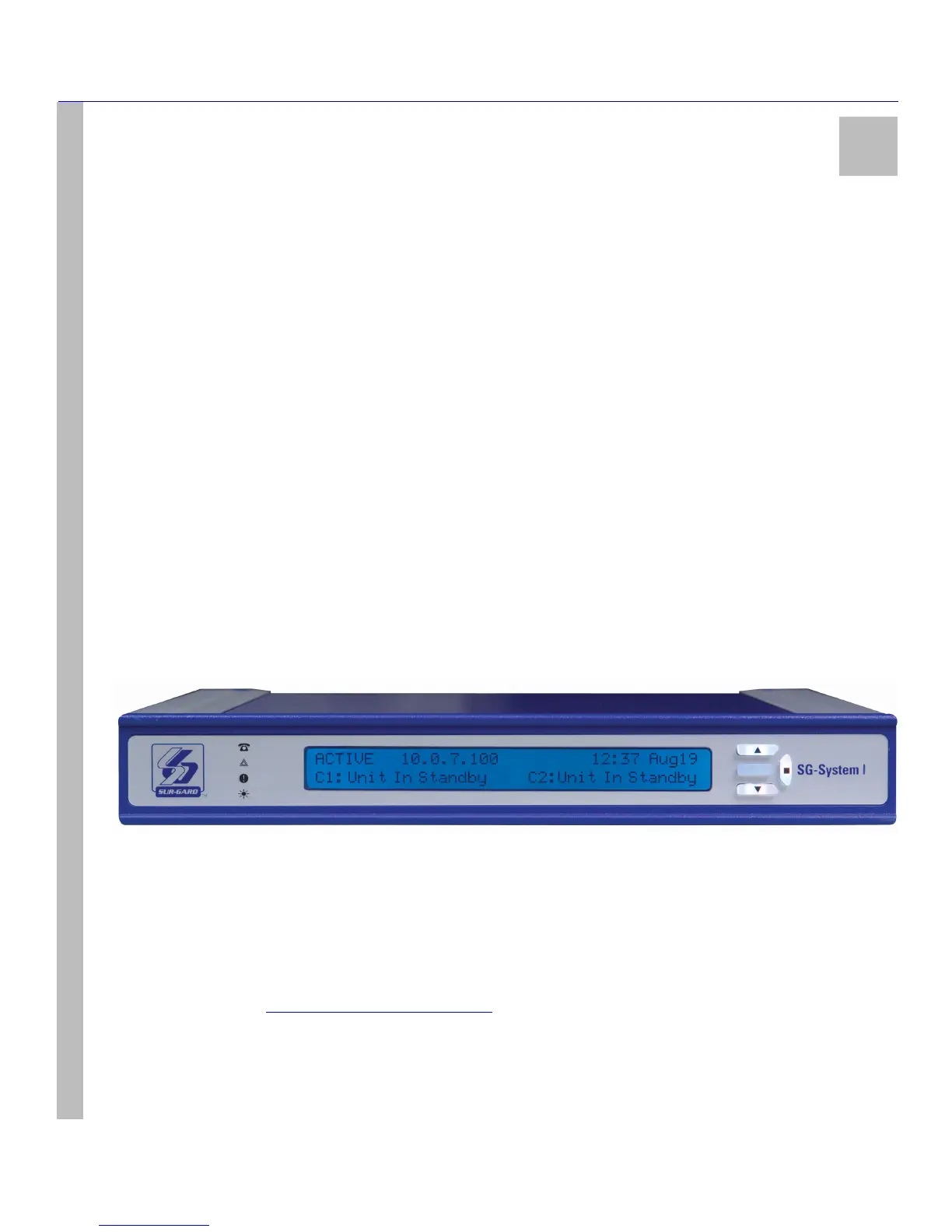
The SG-System I is a dual phone line / IP network receiver intended for the remote monitoring of residential / commercial fire and burglary
alarm systems. The system can be configured for desktop stand-alone operation (vertical stacking of up to 4 systems) or rack mounting (see
Note below). The SG-System I can monitor up to 512 IP accounts. Please refer to Table 4: Loading Capacities for Hunt Groups on
page 18 for maximum capacities when communication over PSTN. The receiver can be connected to a USB port or Ethernet port on any
computer running SG System Console software for system programming and printer messages. The receiver provides several connection
options for Serial RS232 printers and Parallel printers.
The SG-System I is a pluggable equipment type A, using a detachable power supply cord.
The SG-System I real-time clock and calendar stamps receive alarm data which are transmitted to a central station computer via a TCP/IP
connection and/or a Serial port using either a standard COM port and/or a USB port.
System configuration can be undertaken using a PC with SG-System I Console Software installed, or locally using the scroll buttons and the
LCD on the front panel of the unit.
NOTE: System must be rack mounted for UL and ULC Listed Installations.
SG-System I features include the following:
• Dual Telco Interface
• Independent options list for each channel
• Remote alarm ACK button
•Caller ID
• SG-Systems Console Software (one software package for SG-System I, II receivers)
• Ability to call out to other receivers to check the communication path
• Ability to disable a telephone line
• Selectable buzzer output tones
• LCD and keymat can cycle through colours and fade colours in / out
• IP (FIBRO) communications with alarm panels and transmitters / Software-controlled features
Figure 1: SG-System I Receiver
Software Compatibility
The following examples of Central Station automation software are compatible with the SG-System I interface:
Refer to the DSC website - http://www.dsc.com/Default.aspx?id=79 - for a comprehensive list of compatible Automation Software
Manufacturers.
NOTE: Automation connections are considered supplementary as per UL864 listing. Compatibility with central station auto-
mation software is intended to be handled under a separate UL1981 software and/or site certification evaluation.
MAS DICE SIMS II GENESYS S.I.S.
IBS MicroKey ABM Bold



 To Next Page