CHAPTER THREE - OPERATION
27
SG-System I Operating Manual
3
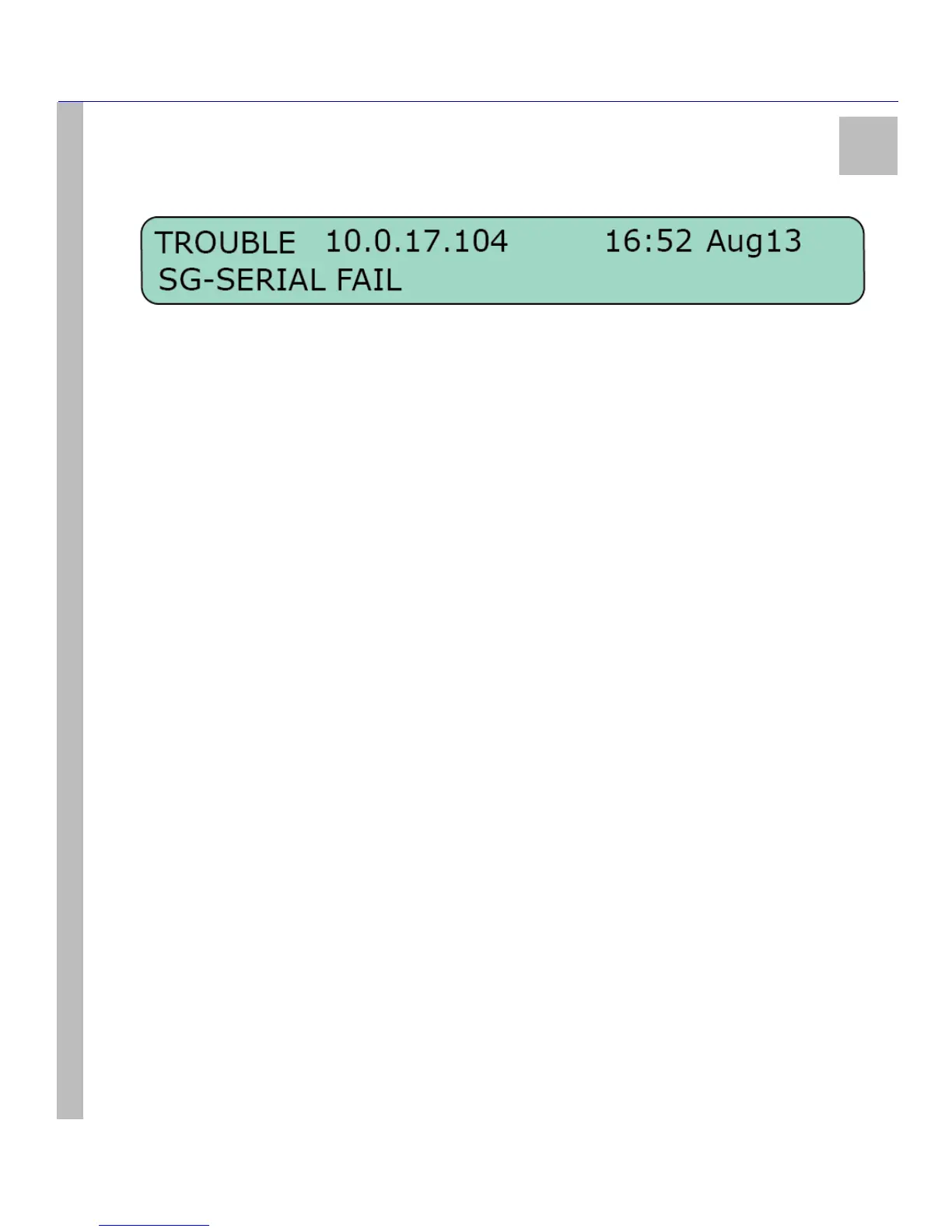
troubles. Should there be no troubles, the LCD will flash NO TROUBLE for a few seconds and return to the previous level of operation. A
list of possible troubles can be found below.
Trouble List
The following trouble and status lists are monitored by the system. Individual troubles can be disabled in the Program category. Both the
trouble list and the status list are fully enabled by default.
Trouble:
• Parallel Printer
• Serial Printer
•TCP Printer
• USB Printer
• Serial Automation
• TCP Automation
• UPS Battery
• UPS AC
• DSP Failed Ch1
• DSP Failed Ch2
Status:
• Line Fault - Channel 1
• Line Fault - Channel 2
• System Absent - Channel 1
•Clock Not Set
•Printer Buffer Full
• Checksum Failed - Software
• DSP Checksum Failed
View Network / Watchdog
Please refer to Set Up and Testing on page 18 for detailed Network information.
View Status
Please refer to Set Up and Testing on page 18 for detailed Status information.



 To Next Page