CHAPTER THREE - OPERATION
24
SG-System I Operating Manual
3
Program Category
The Program category is accessed in order to program the SG-System I or to view its condition. Sixteen users in total can have access to the
unit. User ‘0’ is the Administrator, and has full permissions with regard to using and configuring the unit. All other users - ‘1~F’ - may view
system information only, in addition to having the ability to change the time and date displayed on the LCD.
NOTE: All alarms must be acknowledged via the Ack button before entering Program mode from Manual
mode.
Password
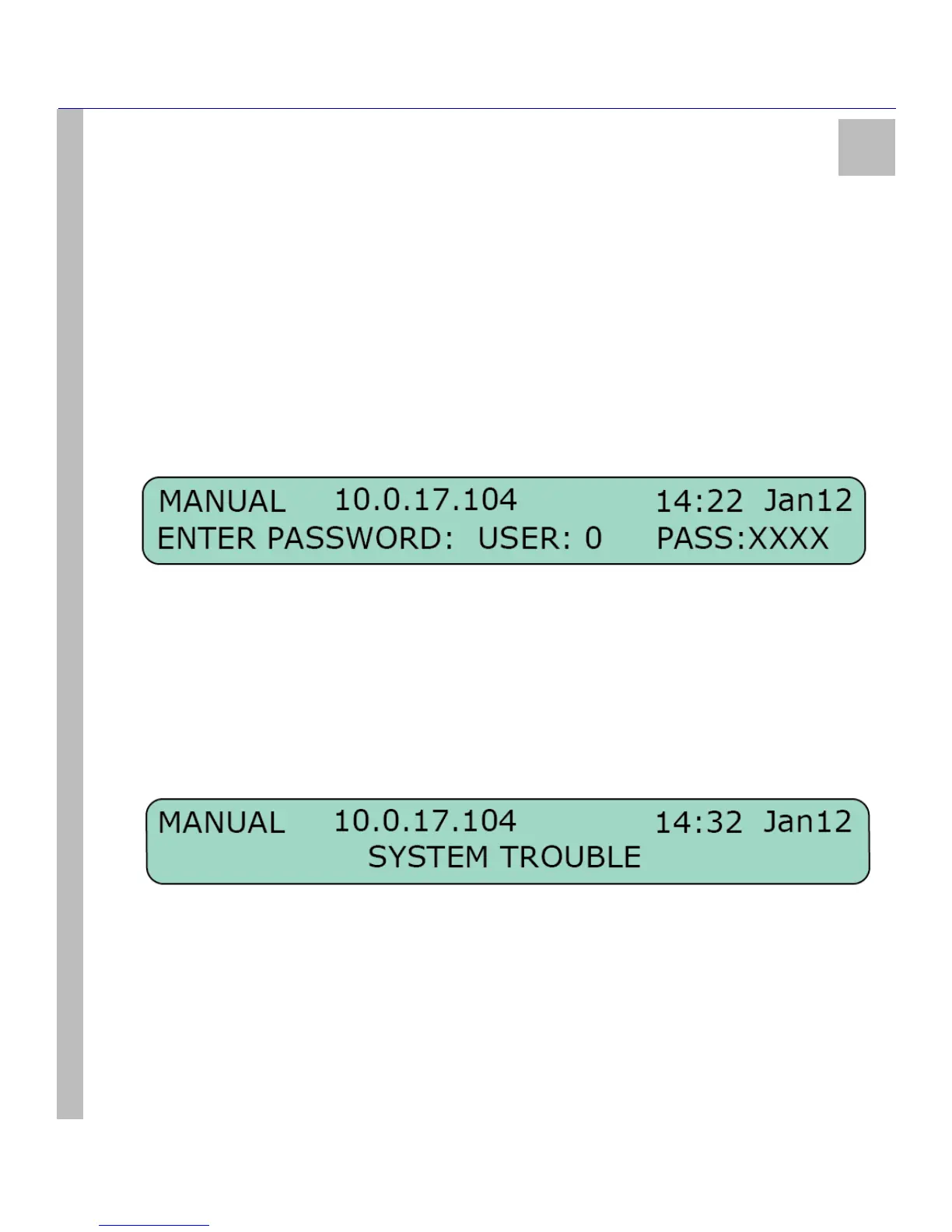
A password must be entered before the Program category can be accessed. Take the following steps:
1. Press the Enter button while the unit is in either of the Operation modes (Active / Manual) to call up the password field.
2. Enter your 4-digit hexadecimal password on the bottom line (use the Up and Down arrow buttons to scroll through the characters).
Note that the default password is ‘CAFE’.
3. Press the Enter button to select the desired value and move along to the next digit.
4. Continue until the four spaces are filled. Pressing the Enter button after selecting the fourth digit will automatically present the pass-
word to the system for acceptance / rejection.
Assuming that the password is correct, the SG-System I will enter Program category and generate the corresponding printer and automation
signals. Should the password be incorrect, the unit will produce an error tone and return to a Base category (Active mode or Manual mode).
Press the Enter button once more to return to the Password screen.
The password can be set in the following manner:
1. Enter the Program category.
2. Scroll to View or Change Options > CPM Options > Option 006.
3. Scroll to the user whose password is to be changed. Enter the new password. Press the Enter button. The new password is set.
User Interface
The SG-System I unit’s LCD and button interface give the user the ability to program the unit and scroll through the printer buffer and the
trouble list. The upper line displays the device mode (in the example below, ‘MANUAL’). The lower line displays the system information
(in the example below, ‘SYSTEM TROUBLE’).



 To Next Page