CHAPTER FOUR - OPTIONS: SYSTEM
38
SG-System I Operating Manual
4
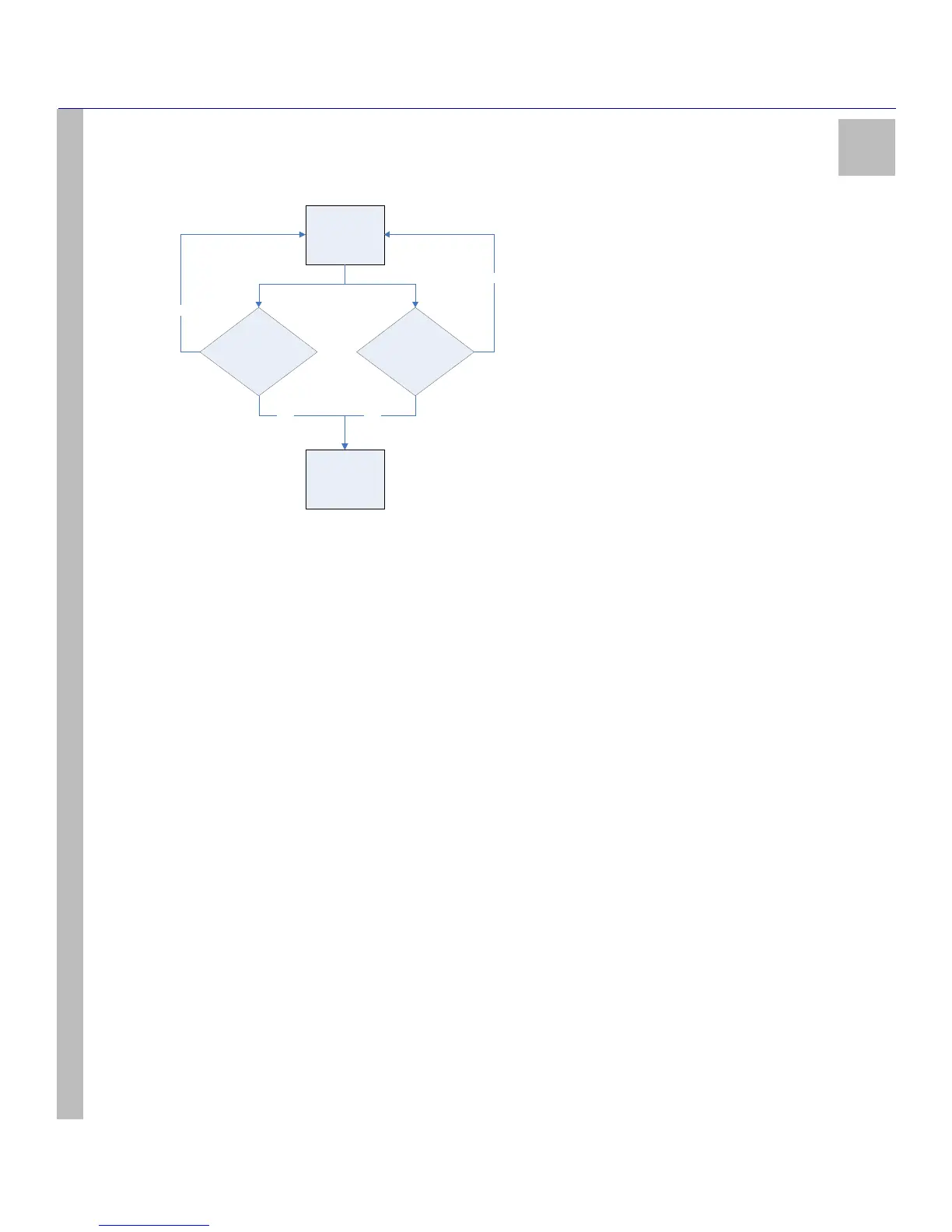
Figure 8: All (02)
NOTE: The order of sequence is: TCP, Parallel, USB, and Serial. DSC does not recommend changing the default setting
unless using more than one printer.
NOTE: The SG System I must be restarted for these changes to take effect.
NOTE: Refer to UL864 Programming Requirements on page 10 if changing the default setting.
To set the printer mode, take the following steps:
1. Navigate to Option 030. Press the Enter button. The current value is displayed on the LCD.
2. Press the Enter button. The value may now be changed.
3. Use the Up or Down buttons to scroll to the desired value. Select an integer value from 40 to 99, representing 4.0 seconds to 9.9 sec-
onds. For example, 63 would represent a value of 6.3 seconds.
4. Having made a selection, press the Enter button.
5. The LCD will prompt you to accept (Y?) or to decline (N?) your changes.
6. Use the Up and Down buttons to select your response. Press the Enter button.
NOTE: The SG System I must be restarted for these changes to take effect.
Option 031: ACK Wait
Default (40)
Use this option to determine the acknowledgement wait time, measured in tenths of a second, during which the SG-System I will wait for a
response to automation software outputs. If none is received during this interval, the automation software output is retransmitted and the
timer reset.
Power Up /
Restart
SG-System I TCP
Port Active?
SG-System I Serial
1 Port Ac tive?
Poll
Automation
YES
YES
NO
NO



 To Next Page