CHAPTER FIVE - OPTIONS: CHANNELS 1 and 2
76
SG-System I Operating Manual
5
Example 1: Code 21
Computer Output: 104091 022sAss21
Example 2: Code B1
Computer Output: 104091 022sOssB1
Option 1A5: Sescoa Super Speed
Default (01)
Option 1A6: ITI Adjust
Default (00)
You can set this option to 01 to convert the ITI account codes to four digits by stripping the last digit. For example, a panel account of 23459
will become account 2345. If the leading digit of the panel account is a 0, then it will be stripped and replaced with a space. For example, if
02349 is sent the receiver will output 234.
Option 1A7: Silent Knight FSK2 RS-232
Default (00)
Use this option to provide two possible outputs to the computer for the Silent Knight FSK2 format.
[A7] = 00 SKFSK disabled
[A7] = 01 SKFSK enabled for:
SKFSK1
ERRLssssssAAAAYYssss[DC4]
SKFSK2 Protocol #2
CRRLssssAAAAAAYYZZss[DC4]
[A7] = 02 SKFSK enabled for:
SKFSK1
ERRLssssssAAAAYYssss[DC4]
SKFSK2 Protocol #2
FRRLssssAAAAAAYYZZss[DC4]
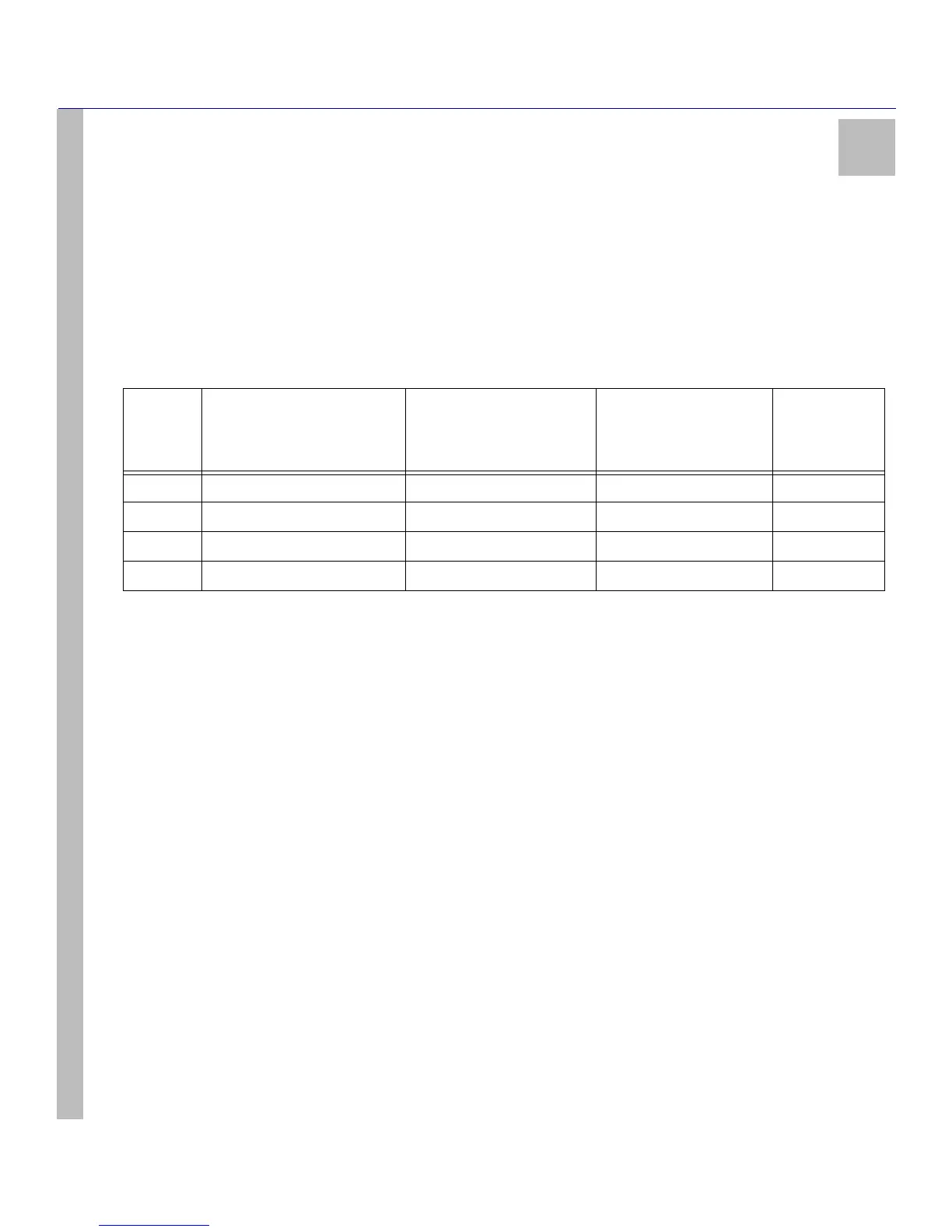
Table 31: Sescoa Super Speed
Setting Sescoa Super Speed 4/2/checksum
4/2/checksum failed
double-round kissoff
Decode
Sescoa as
per DRL2A
00 Disabled Enabled Enabled No
01 Enabled Disabled Disabled No
02 Enabled Disabled Disabled Yes
03 Disabled Enabled Disabled No



 To Next Page