Operation of the Machine
MA6 / MA8 - 1. Operation of the Machine - Rev.05 07-06
31
1
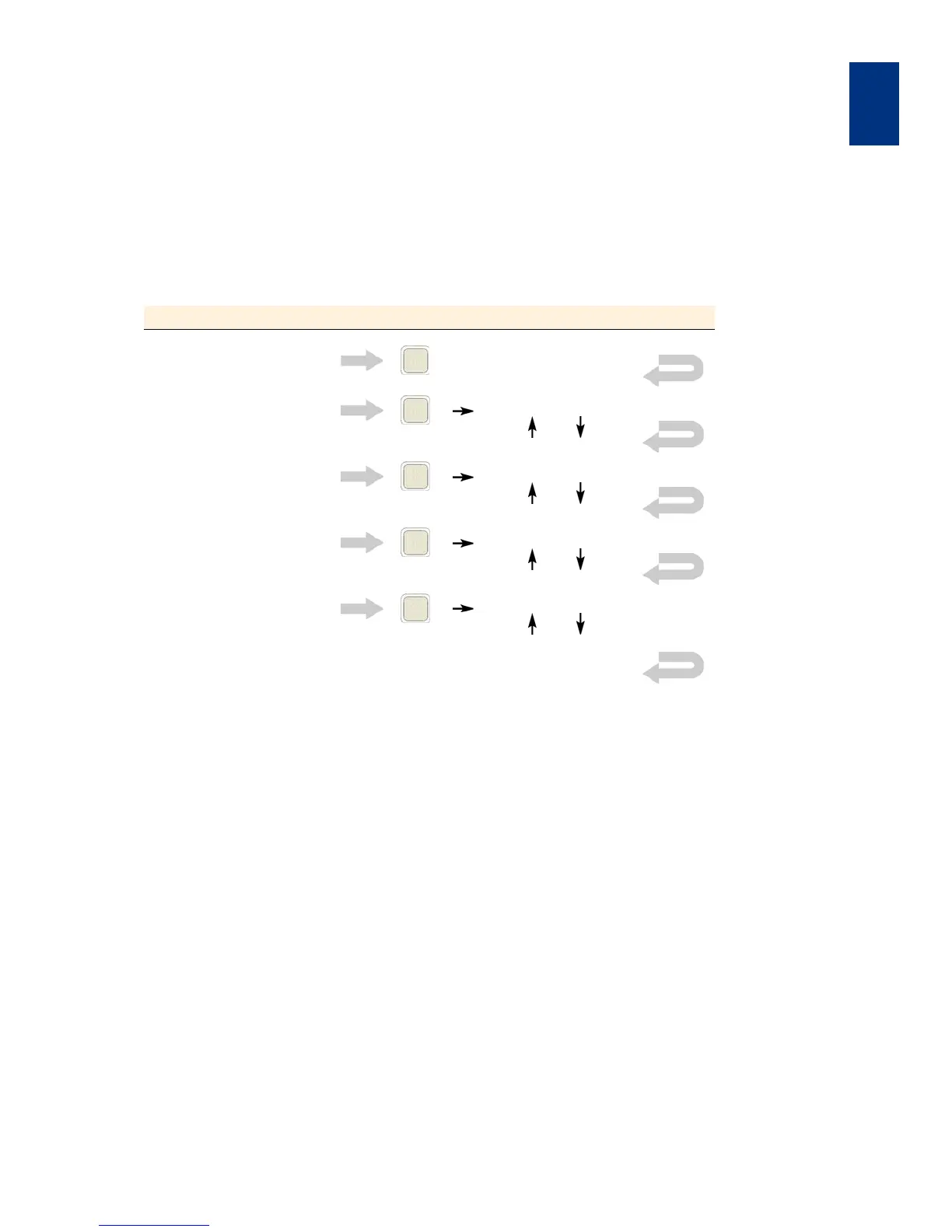
1.5.3 EDIT PARAMETER Menu
For example: select exposure time, alignment gap,
WEC type and exposure type
The number of parameters listed depends of prior se-
lections.
Display message Following operator action (keystroke)
"ready for Load" EDIT PARAMETER
"Exp. Time [s]: 5.0" x
(Edit value by Y and Y )
"Al. Gap [µm]: 100" x
(Edit value by Y and Y )
"WEC Type: Contact" x
(Edit value by Y and Y )
"Exposure Type: Soft"
x
(Edit value by Y and Y )
Press EDIT PARAMETER key to
confirm the edited value
"ready for Load"



 To Next Page