EasyManua.ls Logo

Synrad FH FLYER - Page 105

Synrad FH FLYER
250 pages
Print Icon
To Next Page IconTo Next Page
To Previous Page IconTo Previous Page
Loading...
stand-alone
operation
SYNRAD FH Series Flyer Operator’s Manual Version 3.4
105
Conguration
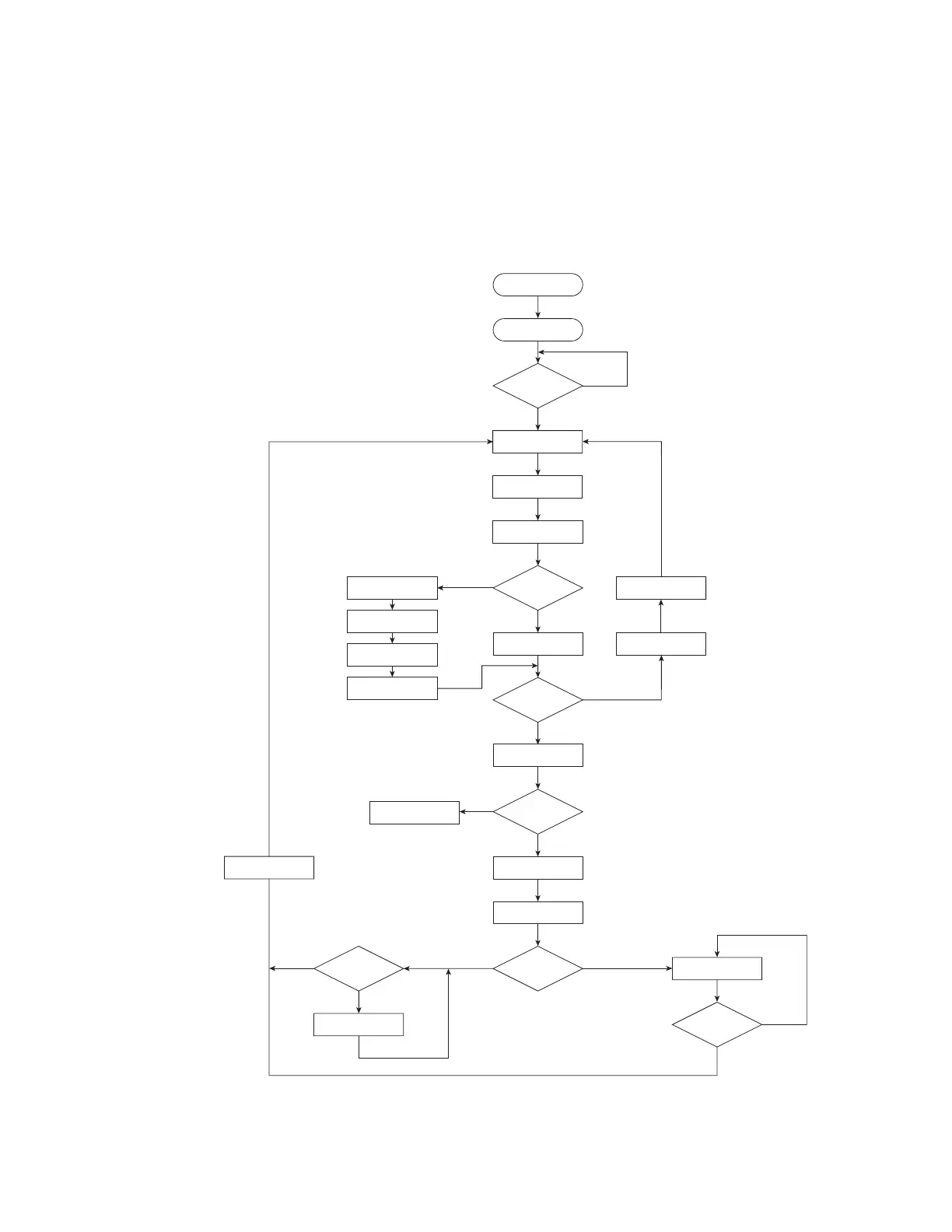
Figure 4-10 shows a MCF flowchart for strobed mode, where Type=1.
Figure 4-10 Master Control File flowchart—strobed mode
SetDigitalInit
Wait InitialDelay
(milliseconds)
BitCount = 16?
Read Input Byte
Inputs Match
File Definition?
Is File Loadable?
Load File
Start Mark Session
1
Mark File
Wait
NullFile
(milliseconds)
No
Yes
No
Set Error State
End Mark Session
Yes
No
SetDigital16
Read LSB Input Byte
Read MSB Input Byte
Wait
Delay16
(milliseconds)
Yes
1 Start mark session and run On Before Mark Session automation (if any) in the mark file.
2 Run On After Mark Session automation (if any) in the mark file and end mark session.
Enter Strobed
Mode on Power-Up
StrobeBeforeMark
= 0?
No Yes
Mark File
Strobe Detected?
Yes
No
Strobe Detected?
No
Yes
End Mark Session
2
No
Yes
Strobe Matches
Definition?
Type = 1
SetDigitalNoMatch
SetDigitalMatch
FileMask

Table of Contents

Related product manuals