stand-alone
operation
86
SYNRAD FH Series Flyer Operator’s Manual Version 3.4
WinMark Pro/FH Flyer interface
Upload File
Uploads the selected mark le from the FH Flyer Filestore to a computer location or
server using the Save As dialog box.
Open File
Opens the selected mark le in WinMark Pro’s Drawing Editor and also loads the le into
RAM as the current active le for marking.
Rename File
Renames the selected mark le.
Delete File
Deletes the selected mark le from the Filestore.
Important Note: You are not prompted to review this action. The le is deleted and
is not recoverable.
Copy File
Copies the selected mark le to the computer’s Clipboard. You can then Paste this le
into another folder in the Filestore or Paste it to a location on a computer or server.
Right click on other files
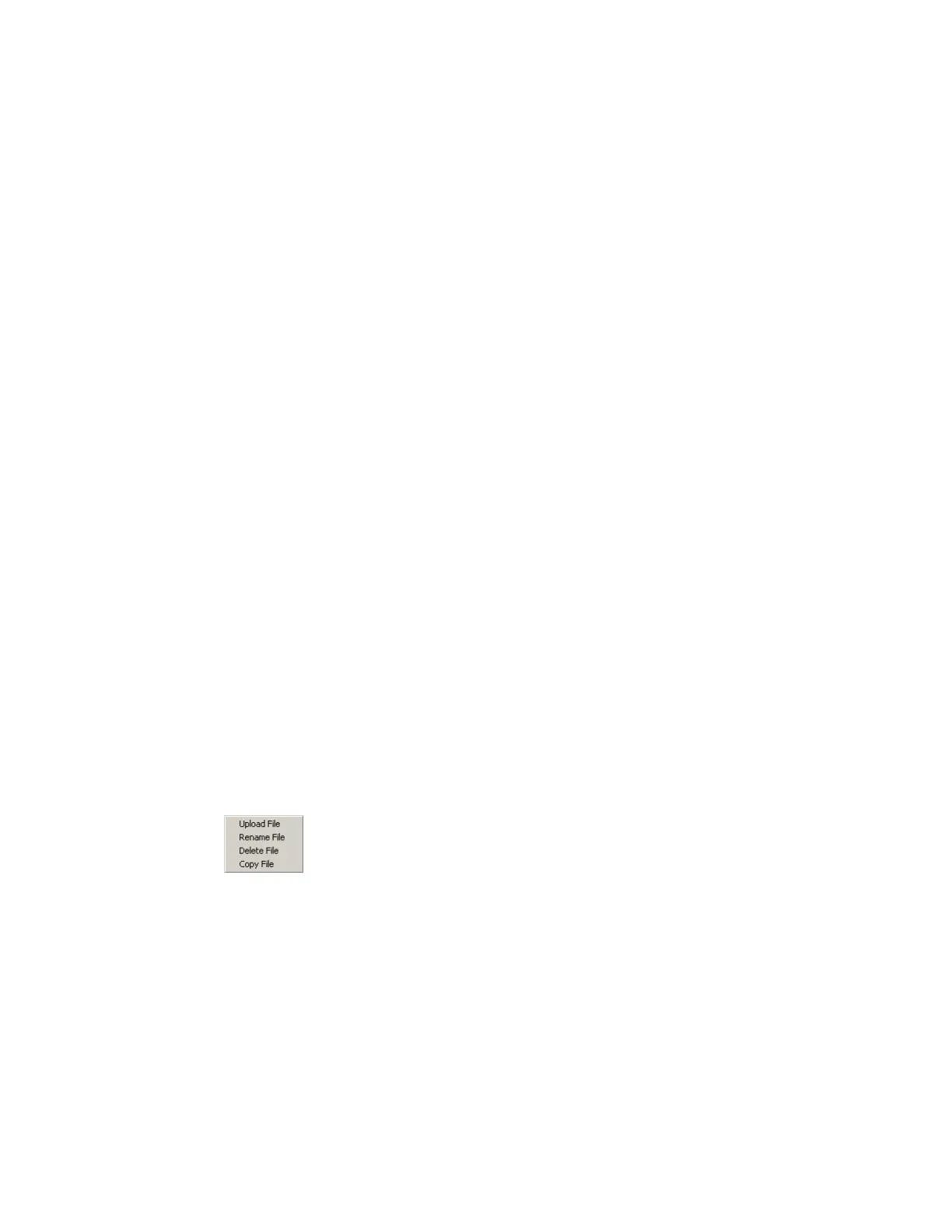
Right-clicking on other file types provides the options shown in Figure 4-6 and
described below:
Figure 4-6 Contextual menu—other files
Upload File
Uploads the selected le from the Flyer Filestore to a computer location or server using
the Save As dialog box.
Rename File
Renames the selected le.



 To Next Page