stand-alone
operation
SYNRAD FH Series Flyer Operator’s Manual Version 3.4
85
WinMark Pro/FH Flyer interface
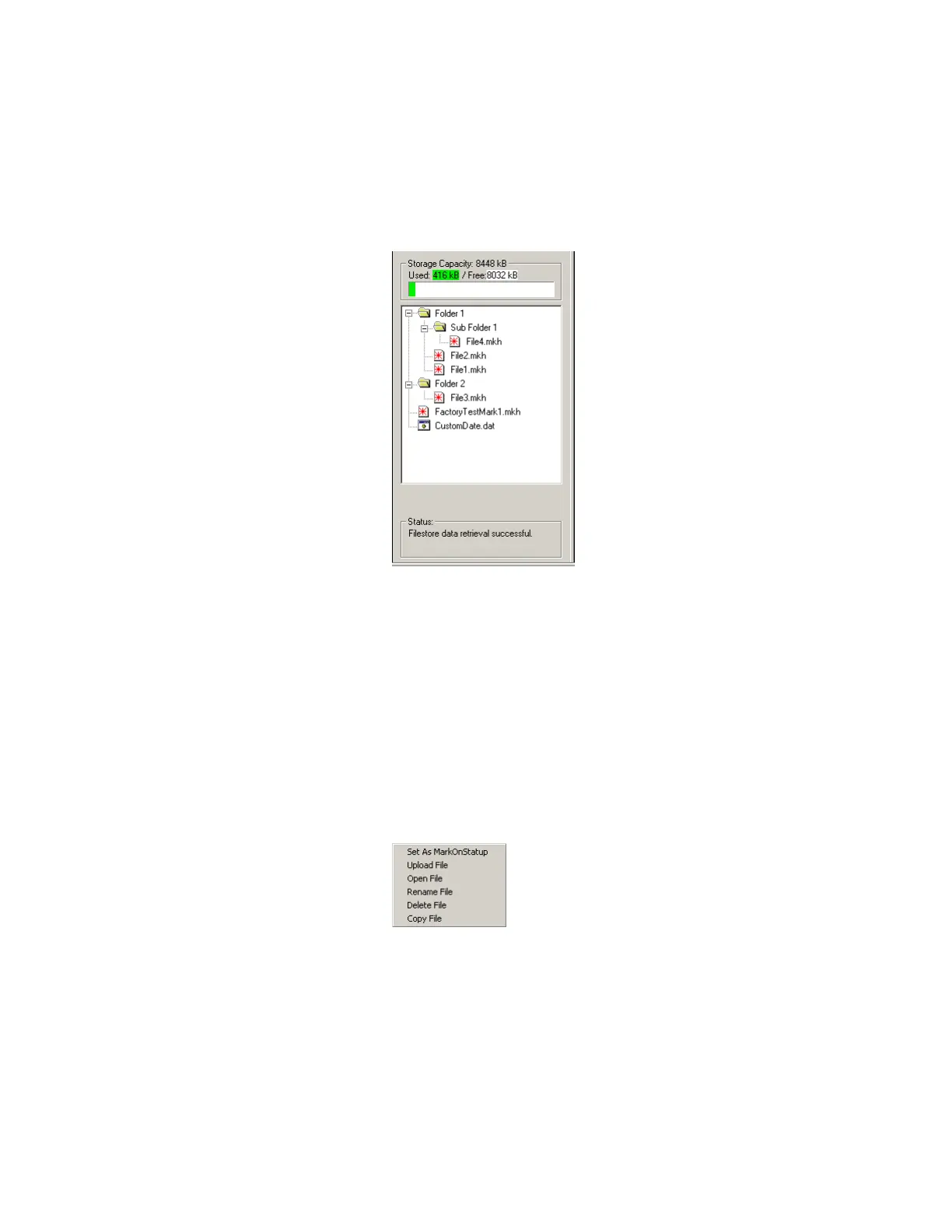
Figure 4-4 Filestore containing saved files and folders
Right-click options
Right-clicking on a le, folder, or in the Filestore (Flyer Files window) brings up a contextual menu that
allows you to perform other le-related operations.
Right click on .mkh files
Right-clicking on an .mkh mark file provides the options shown in Figure 4-5 and
described below:
Figure 4-5 Contextual menu—.mkh mark files
Set As MarkOnStartup
Selecting this function changes two important properties in the FH Flyer head. First, it
enables the Mark On Startup property so that FH Flyer begins marking as soon as power
is applied and the head is booted up (stand-alone operation). Second, the mark le
selected is the le that is marked on startup. You can also access this functionality (Mark
On Startup and Startup Drawing properties) on the “Device” tab under Tools / General
Settings… .



 To Next Page