Using Date Book
Changing the Date Book display
Using Your Zodiac Handheld 102
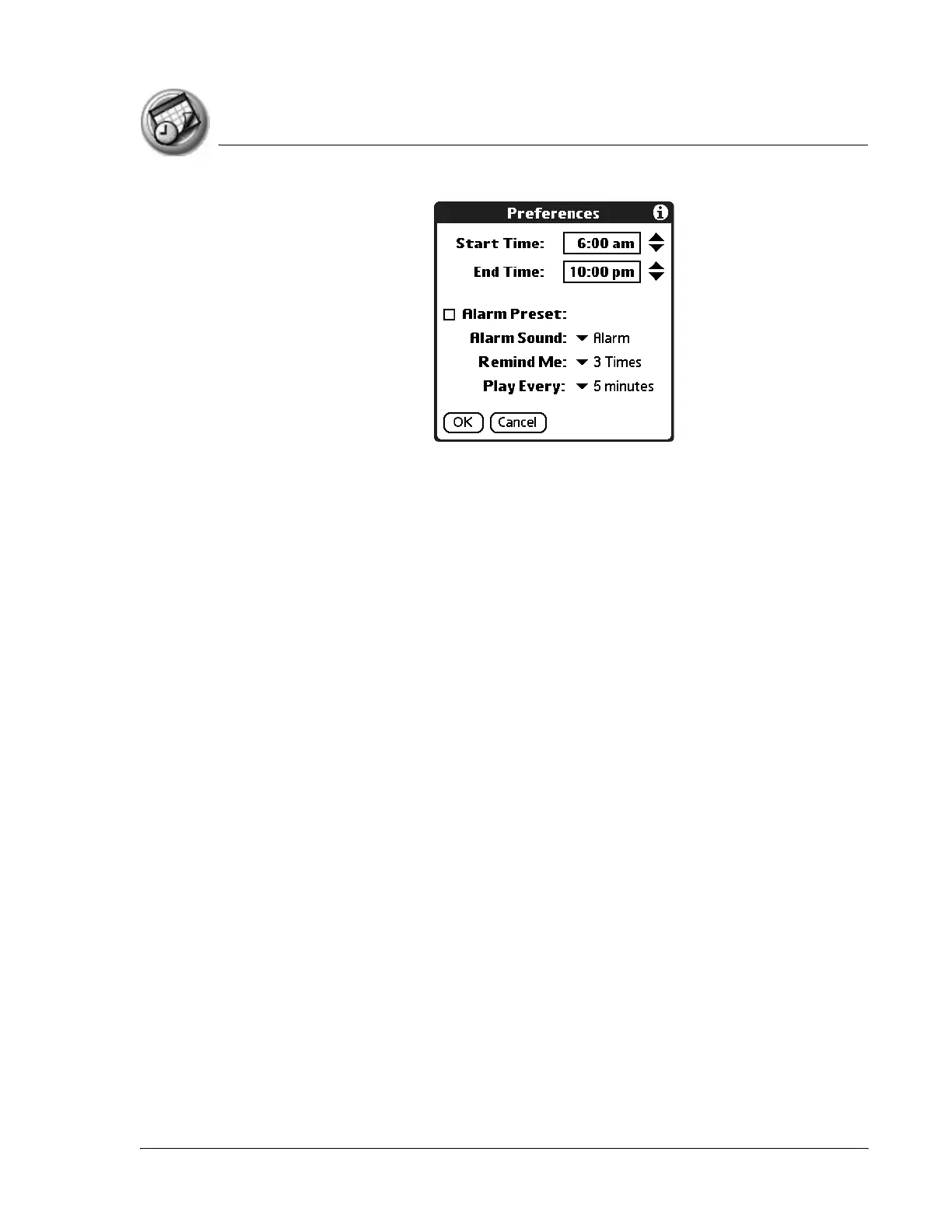
The Start and End Time are used by the various Date Book screens. The Day
view schedules events to start and end at these times when the All Day option
is selected. The Week view displays the time span defined by the Start Time
and End Time.
3. Tap Start Time and use the scroll arrows to select a new start time for Date
Book screens. Repeat the step to set a new end time. If the time slots you
select do not fit on one screen, you can tap the scroll arrows to scroll up
and down.
4. Tap OK.



 To Next Page