Using Your Zodiac Handheld 61
7
Using Clock
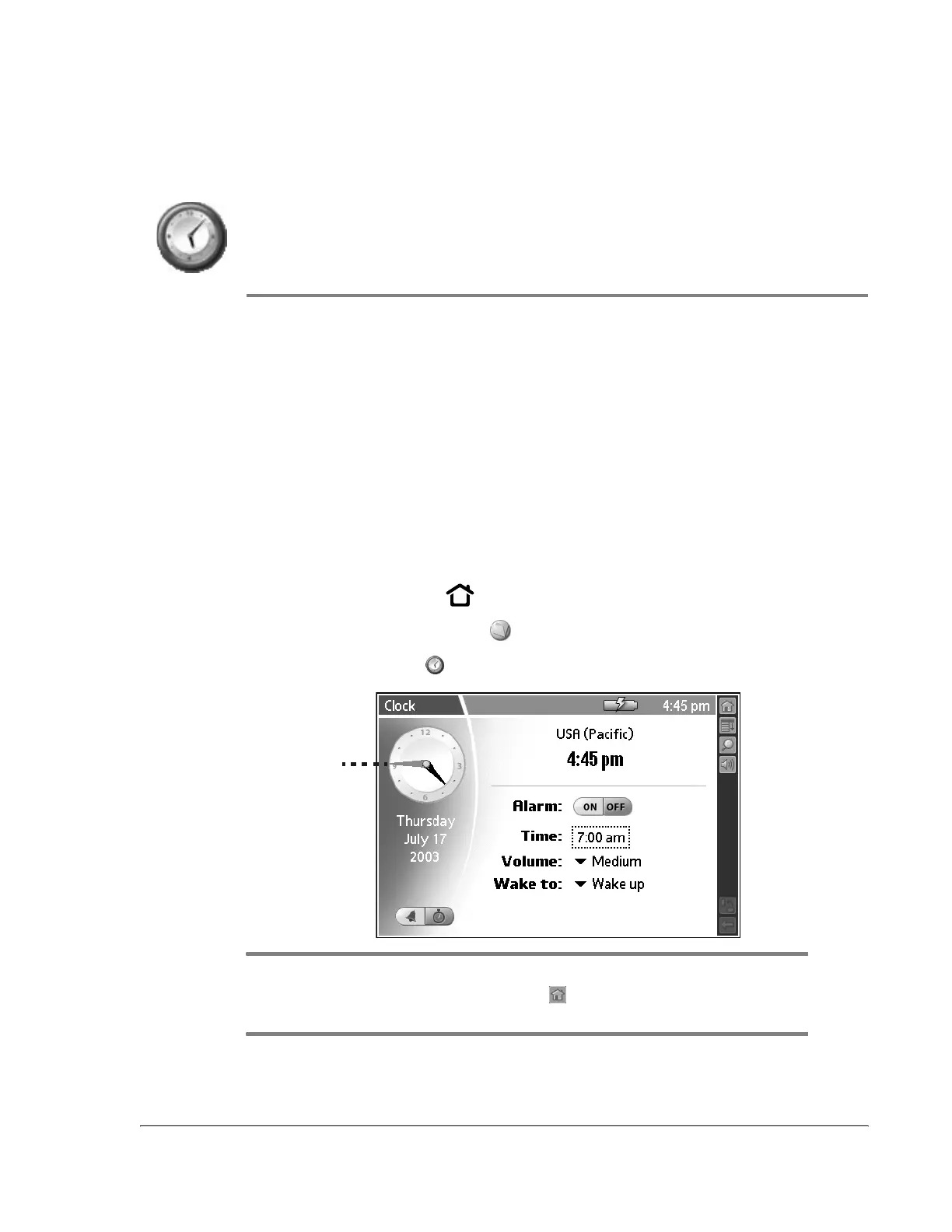
Clock provides an easy-to-read time display, an alarm clock, a stopwatch, and
a timer.
Use Clock to:
• Set an alarm that is not related to a specific entry on your handheld.
• Determine how long it takes to complete a task or event.
• Receive a notification when the specified time period elapses.
Opening Clock
1. Press the Home button .
2. Select the My Stuff category .
3. Select the Clock icon .
TIP: To set the time and date, select Set Time & Date from the Options menu. To
change the time and date format, tap Home , select the Prefs category, and then
select Formats.
Analog clock



 To Next Page