Performing Common Tasks
Categorizing records
Using Your Zodiac Handheld 69
Adding or editing categories
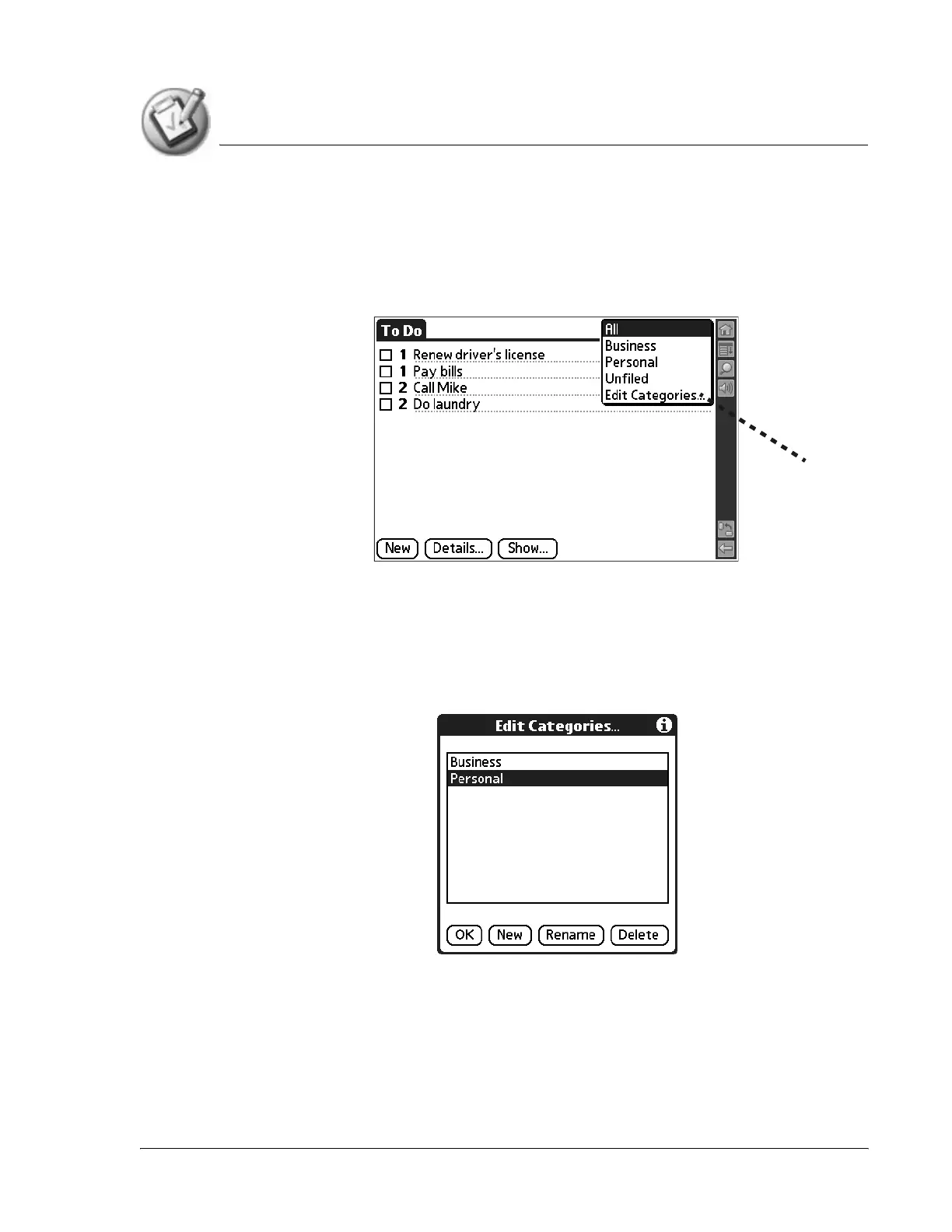
1. In Address Book, To Do List, or Memo Pad application, choose from the
following options:
• From the pick list in the upper-right corner, select Edit Categories.
• In Address Book, select a record, tap Edit, and then tap Details. From
the Category pick list, select Edit Categories.
• In Memo Pad and To Do List, select a record from the list, and tap
Details. From the Category pick list, select Edit Categories.
2. Select any of the following options:
• To create a new category, tap New, and enter a new name in the Input
Area. Tap OK.
• To rename a category, tap it in the list to select it. Tap Rename, enter a
new name in the Input Area, and tap OK.
Edit Categories



 To Next Page