Introduction to your Zodiac Handheld
Learning to navigate
Using Your Zodiac Handheld 25
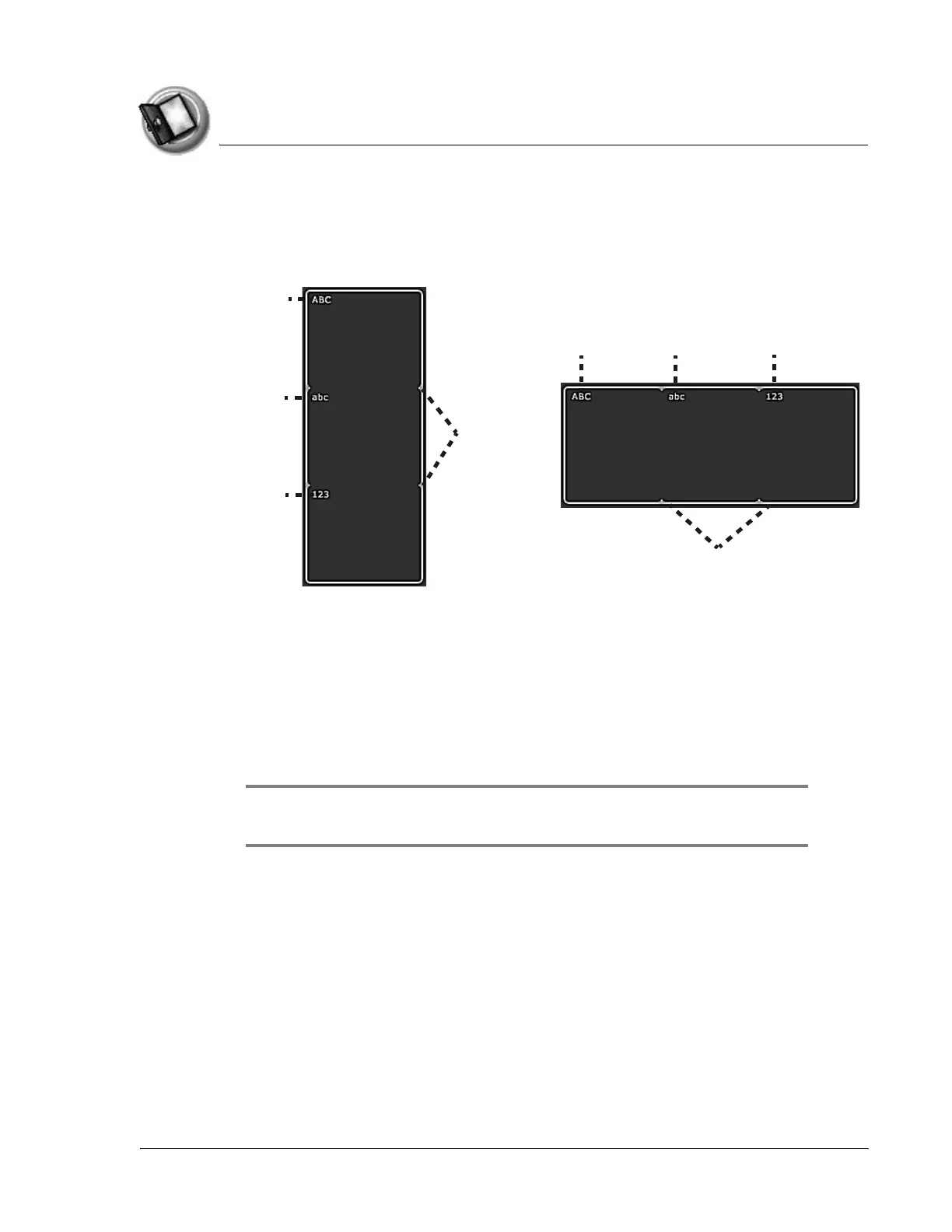
Input Area
The Input Area enables you to enter data on your handheld using Graffiti® 2
characters or the onscreen keyboard. It includes the following elements:
• Division marks. Separates the various portions of the Input Area.
• ABC and abc. Indicates which type of Graffiti 2 characters (upper or
lower case) you can write in this portion of the Input Area. When you
tap these icons, the alphabetic onscreen keyboard appears.
• 123. Indicates that you can write numeric Graffiti 2 characters in this
portion of the Input Area. When you tap this icon, the numeric
onscreen keyboard appears.
NOTE: The cursor must be in an input field to enter Graffiti 2 characters or
open the onscreen keyboard.
Division
marks
Division
marks
ABC
ABC
abc 123
abc
123



 To Next Page