Entering Data in Your Zodiac Handheld
Using the onscreen keyboard
Using Your Zodiac Handheld 37
• me—Meeting
• ts—Time stamp
1. Draw the ShortCut stroke.
2. Draw the ShortCut character(s).
When you draw the ShortCut stroke, the ShortCut symbol appears at the
insertion point.
Using the onscreen keyboard
You can open the onscreen keyboard anytime you need to enter text or
numbers on your handheld.
1. Open any application (such as Address Book).
2. Tap any record, or tap New.
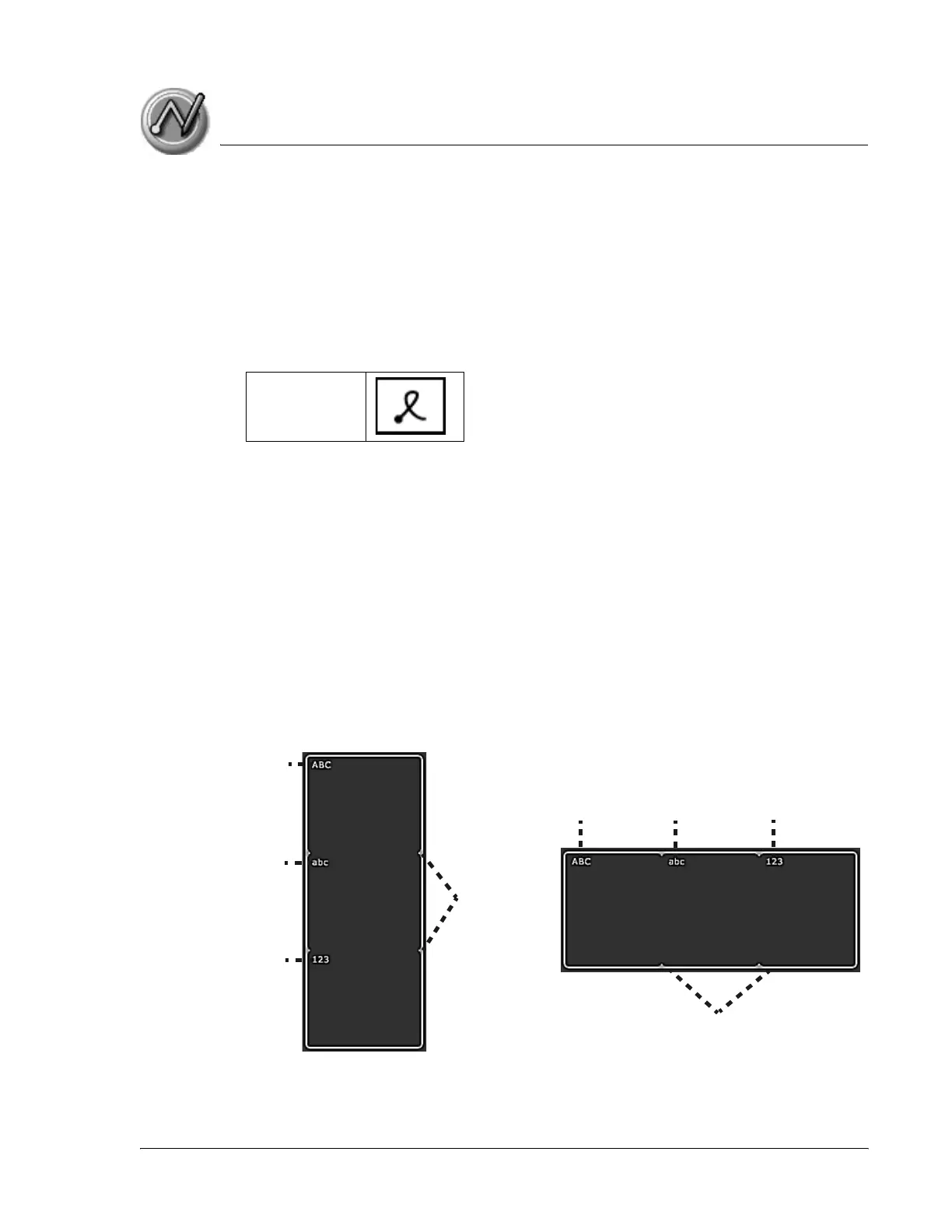
3. In the Input Area, tap one of the following to display the corresponding
onscreen keyboard:
• ABC or abc - display the alphabetic keyboard.
• 123 - displays the numeric keyboard.
ShortCut
Division
marks
Division
marks
ABC
ABC
abc 123
abc
123



 To Next Page