Introduction to your Zodiac Handheld
Zodiac components
Using Your Zodiac Handheld 17
Using your handheld with another desktop organizer
If you prefer to use another desktop organizer, such as Microsoft Outlook, you
can use it instead of installing Palm Desktop software. All you need to install
are HotSync Manager and the connection software (sold separately) for your
desktop organizer, called a conduit, that lets you synchronize the data
between your handheld and your desktop organizer.
Zodiac components
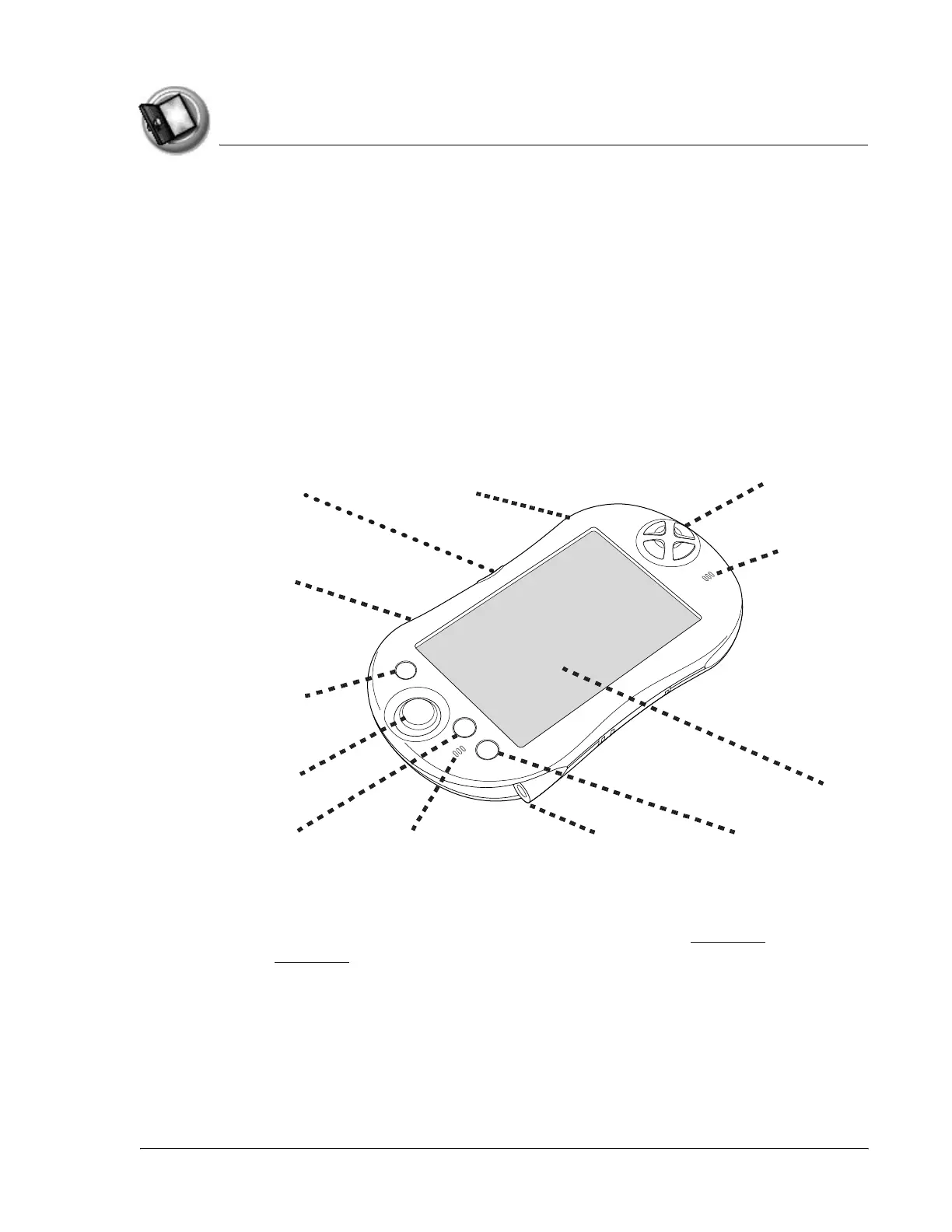
About the front panel
• Bluetooth button. Activates the built-in Bluetooth radio so that your
Zodiac handheld can communicate with other devices that are
enabled with Bluetooth technology. For details, see page 117 and
page 166.
• Trigger buttons. Performs various actions based on the application.
Handheld screen
nalog controller
Function button Home button
Action buttons
Power button
Bluetooth button
Left trigger
Right trigger
Left speaker
Right speaker
Headphone jack



 To Next Page