Using Music
Deleting songs
Using Your Zodiac Handheld 52
Deleting songs
When you delete a song, Music removes the song from your song list and
deletes the song file from your handheld or expansion card. If you also have a
copy of the song on your computer, it does not delete the copy on your
computer.
1. Tap the Menu icon .
2. From the Track menu, select Delete.
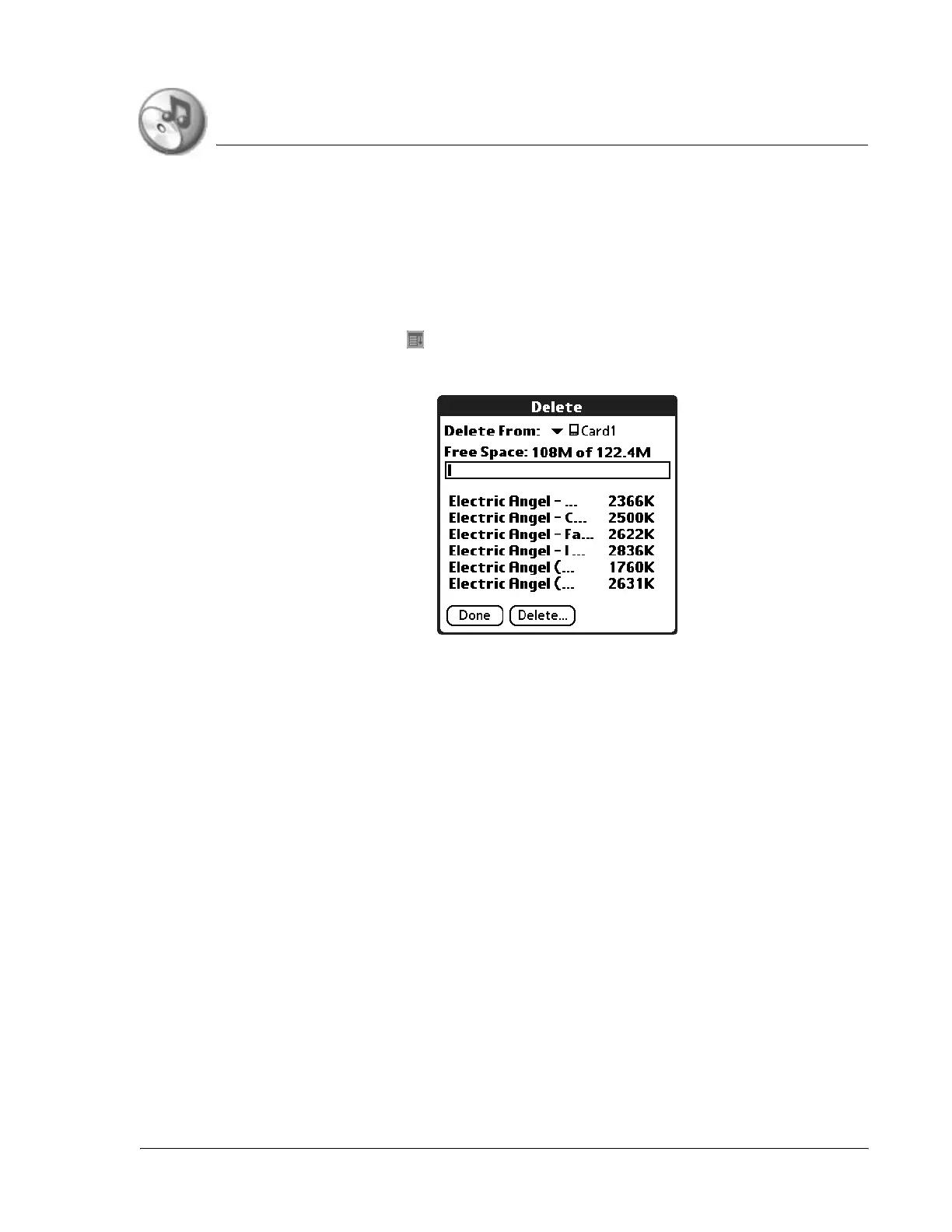
3. From the Delete From pick list, select the location of the song you want to
delete.
4. Highlight the song you want to delete, and then tap Delete.
5. Tap Yes to confirm deletion.



 To Next Page