Using Expansion Cards
Displaying information about applications on an expansion card
Using Your Zodiac Handheld 157
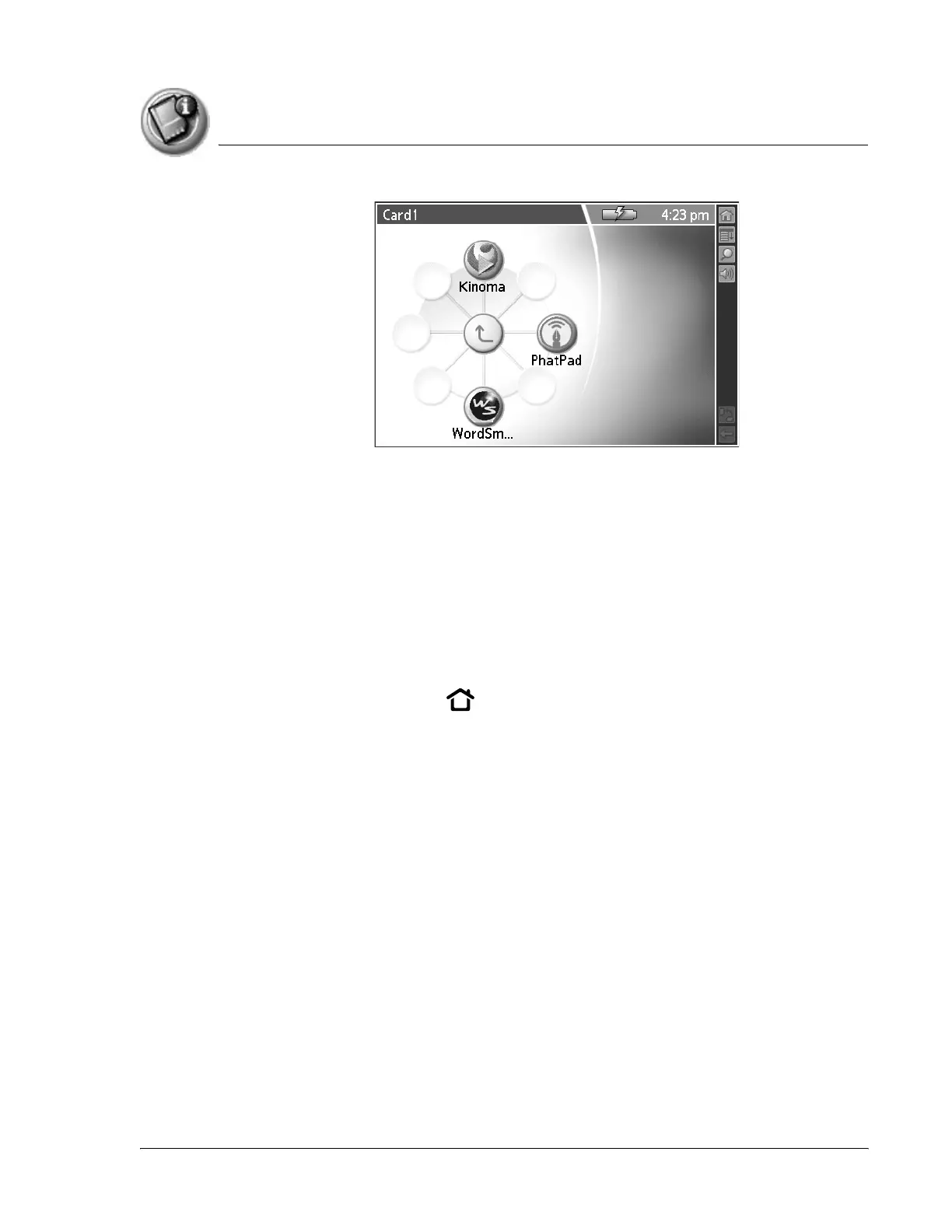
The applications on the card appear on the Home screen.
2. Select the application that you want to launch.
The selected application is loaded into memory and launched. If the
application is already resident in main memory, it is not copied again, just
launched.
Displaying information about applications on an expansion card
1. Insert an expansion card into an expansion slot.
2. Press the Home button .
3. Select the card name, such as Card 1.
4. Tap the card name in the title bar to open the menus.
5. From the App menu, select Info.
6. From the Device pick list, select the card name. The screen displays the
size of the applications on the card.



 To Next Page