Using Your Zodiac Handheld 170
21
Frequently Asked Questions
Resetting your handheld
You may have to perform a reset if your handheld no longer responds to the
buttons on the screen.
Performing a soft reset
A soft reset allows your handheld to get a fresh start, similar to rebooting a PC.
All records and entries are retained after a soft reset.
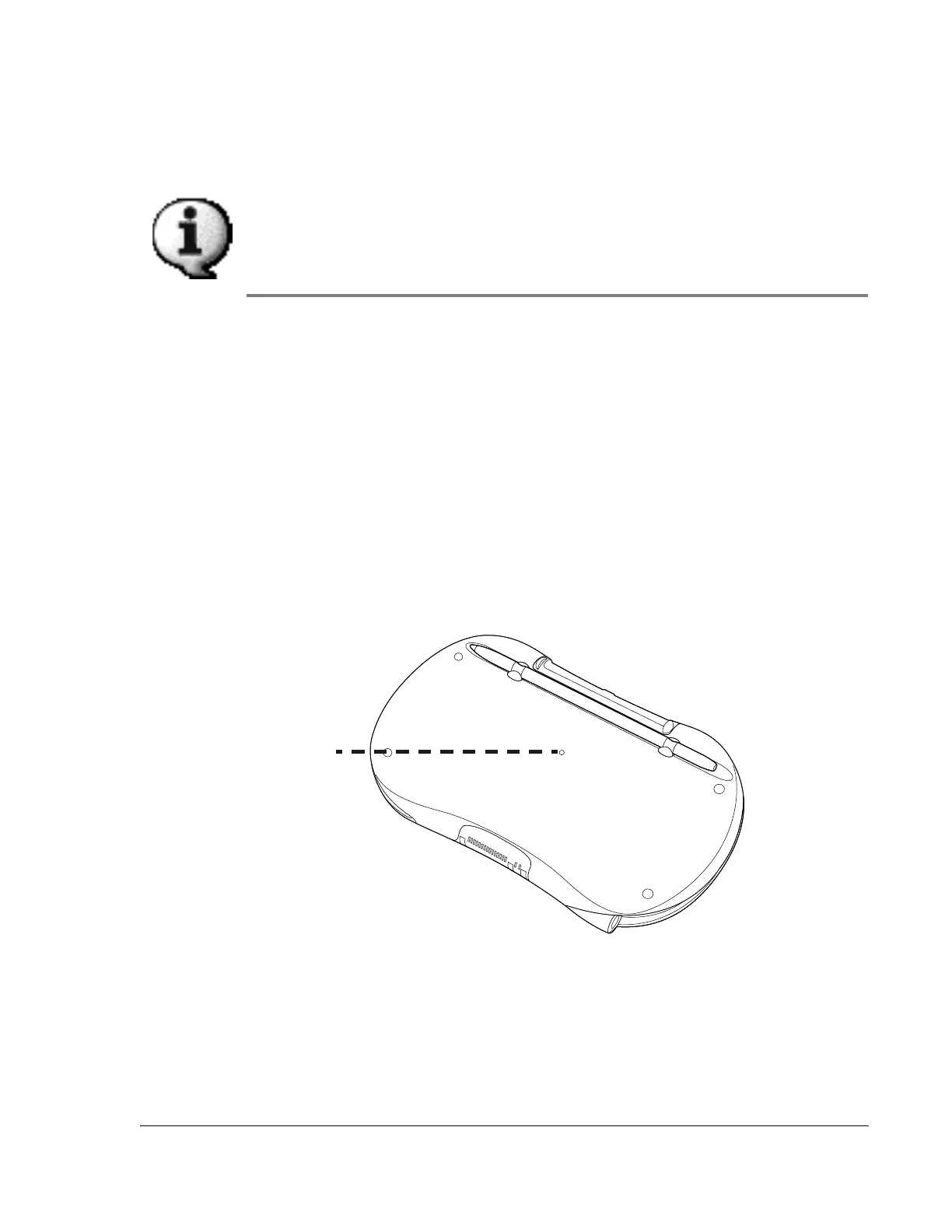
To perform a soft reset, use the tip of your stylus (or another object without a
sharp tip such as an unfolded paper clip) to lightly press the reset button
inside the hole on the back panel of your handheld.
Reset
button



 To Next Page