Using Your Zodiac Handheld 151
17
Using the Attention Manager
Many applications (such as Date Book and Clock) want to get your attention
with some sort of alarm. Attention Manager provides a way for you to
conveniently manage all of these notifications in one place. Appointments
and messages can stack up while you are away from your handheld. You can
then use Attention Manager to view them from a single list and selectively
dismiss or follow up on each alarm.
Alarms request your attention at two different levels: insistent and subtle. This
chapter describes both types of requests.
Insistent alarms
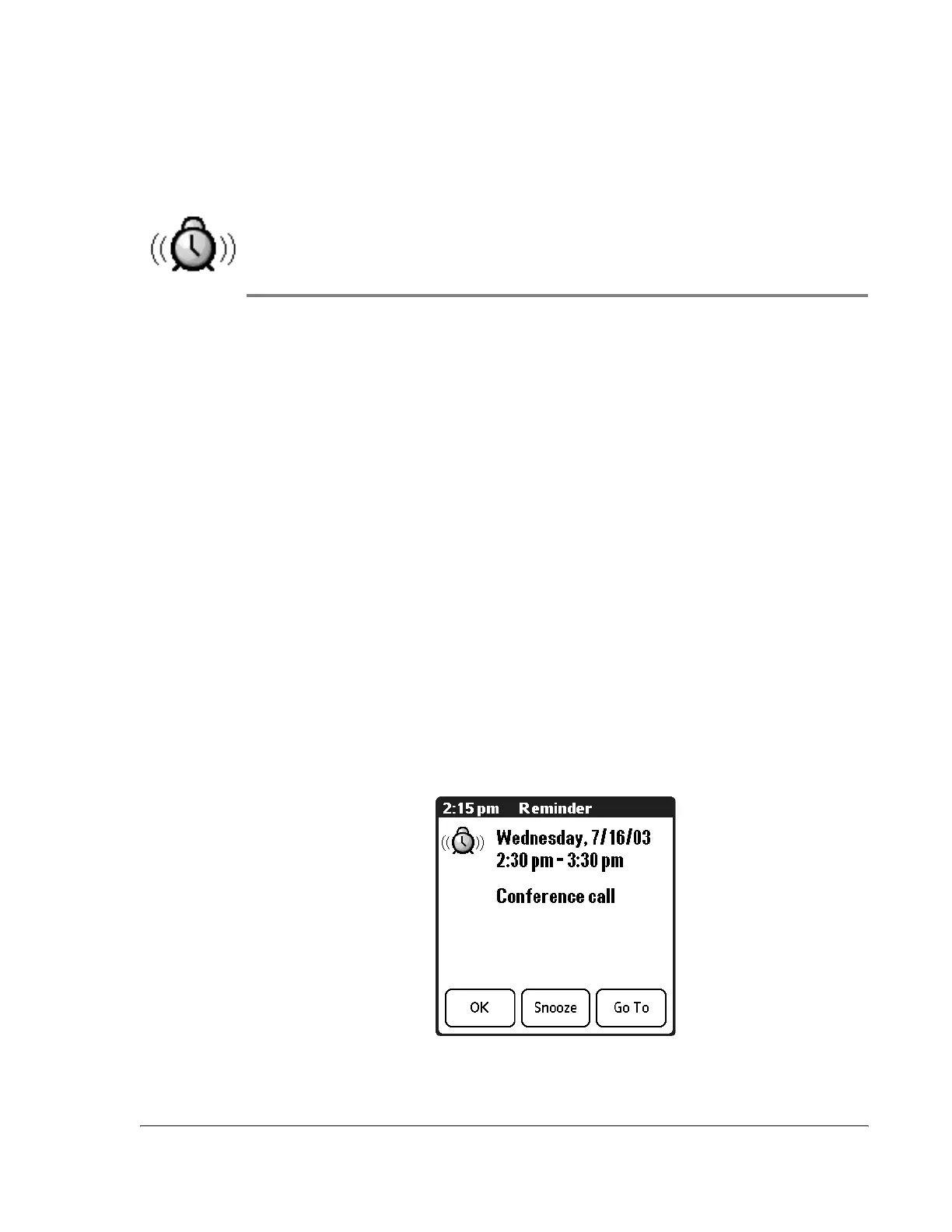
Insistent applications open a Reminders dialog screen, and may play a sound,
flash an LED, or vibrate, depending on your hardware configuration. Alarms
continue until you snooze or dismiss them. If the sound can be interrupted,
you can tap anywhere on the screen, or push any button to silence it.
Attention Manager opens immediately when new insistent alarms are posted.
Using the Reminder dialog screen
The Reminder dialog screen has three buttons for responding to an alarm:
• OK: Makes the reminder go away, with no further notification.



 To Next Page