Using To Do List
Creating To Do List items
Using Your Zodiac Handheld 107
Creating To Do List items
A To Do List item is a reminder of some task that you have to complete. A
record in To Do List is called an item.
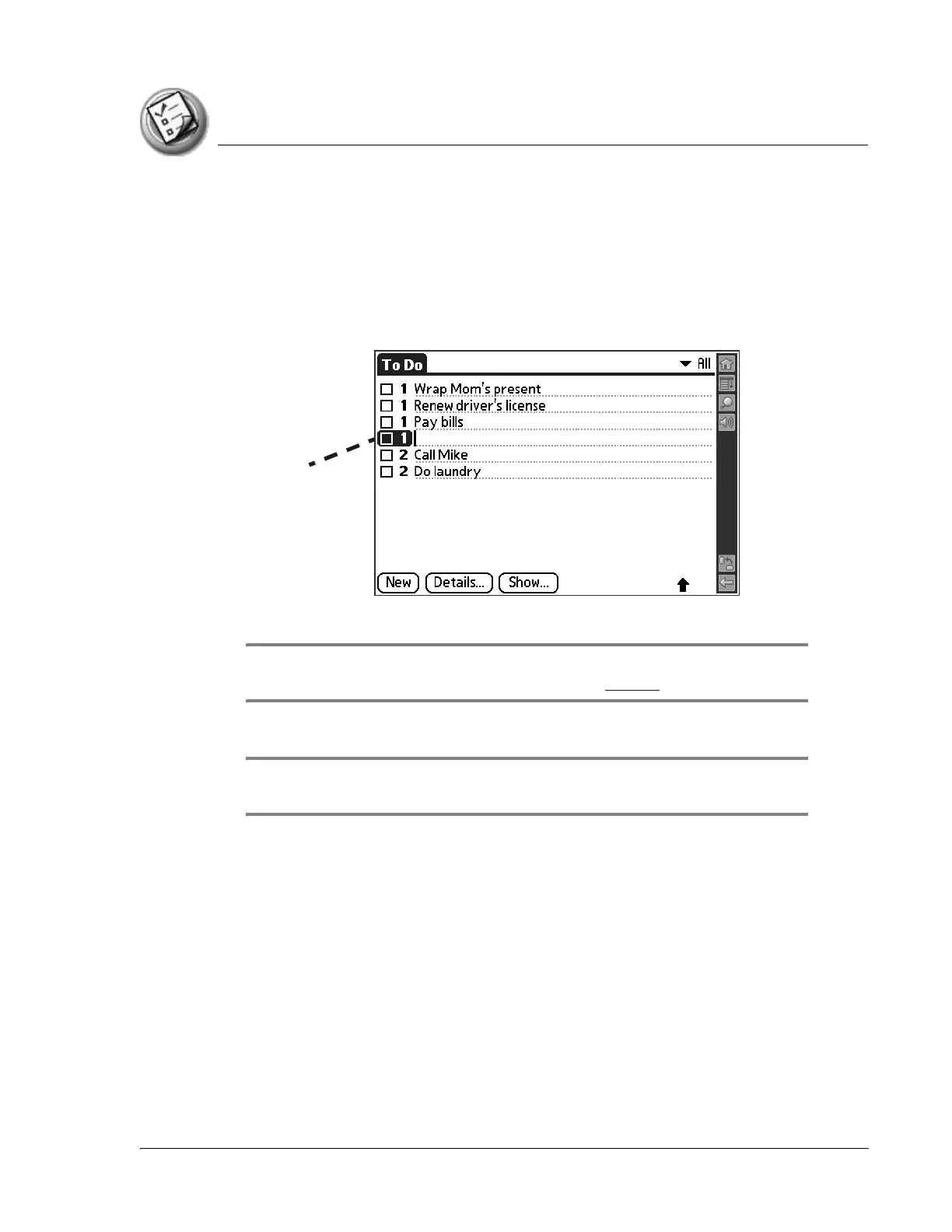
1. Open To Do List.
2. Tap New.
3. Enter the text of the To Do List item. The text can be longer than one line.
TIP: You can add a name, address, and phone number to a To Do List item using
the Phone Lookup option. For more information, see page 71.
4. Tap anywhere onscreen to deselect the To Do List item.
TIP: If no To Do List item is currently selected, writing in the Input Area
automatically creates a new item.
New To
Do item



 To Next Page