Beaming and Sending Information
Sending information with Bluetooth communication
Using Your Zodiac Handheld 166
4. Wait for the Beam Status dialog box to indicate that the transfer is
complete, and then tap OK to display the new entry.
5. Incoming records are placed in the Unfiled category.
Sending information with Bluetooth communication
1. If the Bluetooth radio is off, press the Bluetooth button to turn it on.
The blue LED turns on or flashes when the radio is on.
2. Display the desired Date Book, Address Book, To Do List, or Memo Pad
record you want to send.
3. Tap the Menu icon .
4. From the Record menu, select the Send command. The command names
vary based on the application (Event, Address, Category, Item, etc.).
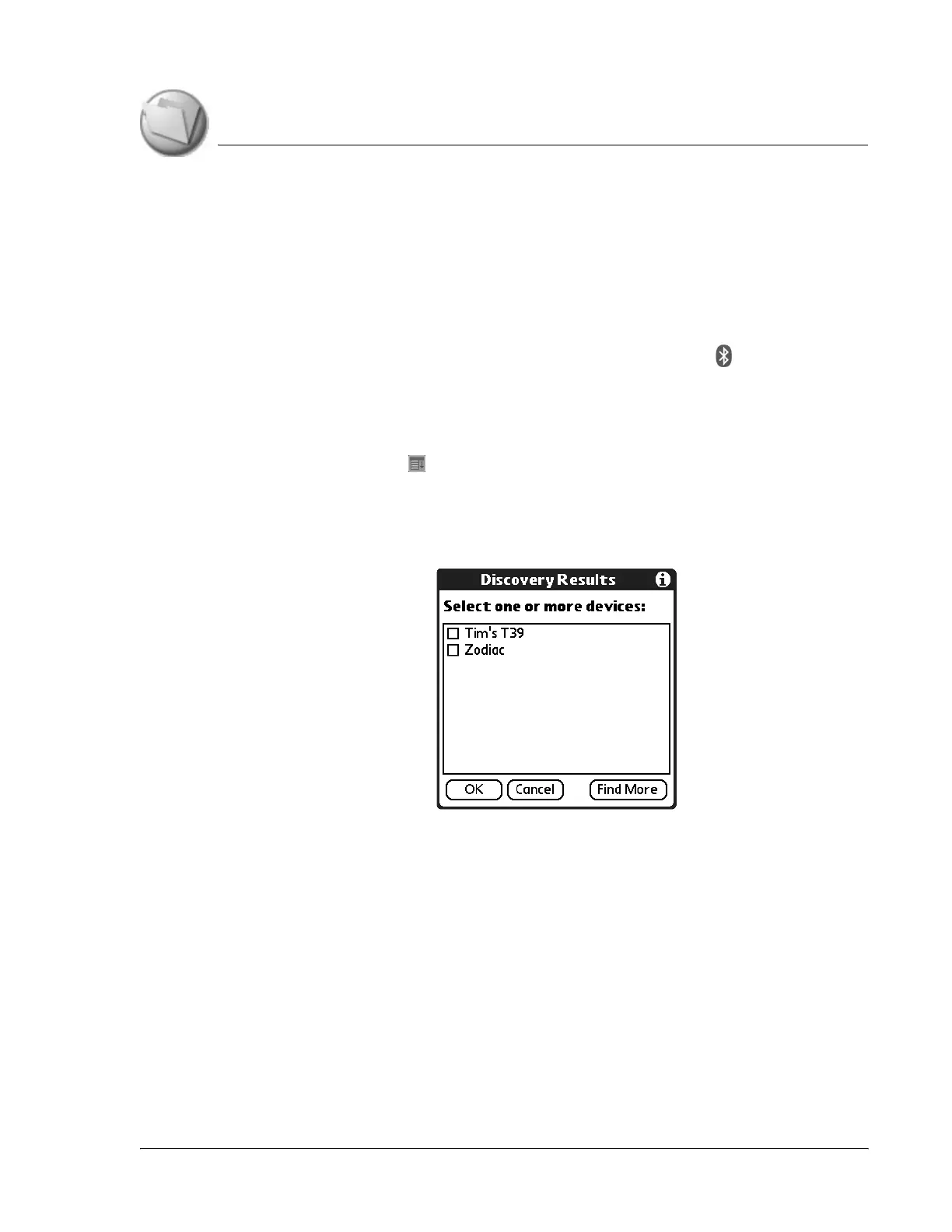
5. Wait for the Discovery Results screen to appear.
6. Select the recipient’s user name from the list. If the name does not appear
in the list, and the device is within range, tap Find More.
7. Tap OK.



 To Next Page