Using Expansion Cards
Copying an application from an expansion card
Using Your Zodiac Handheld 158
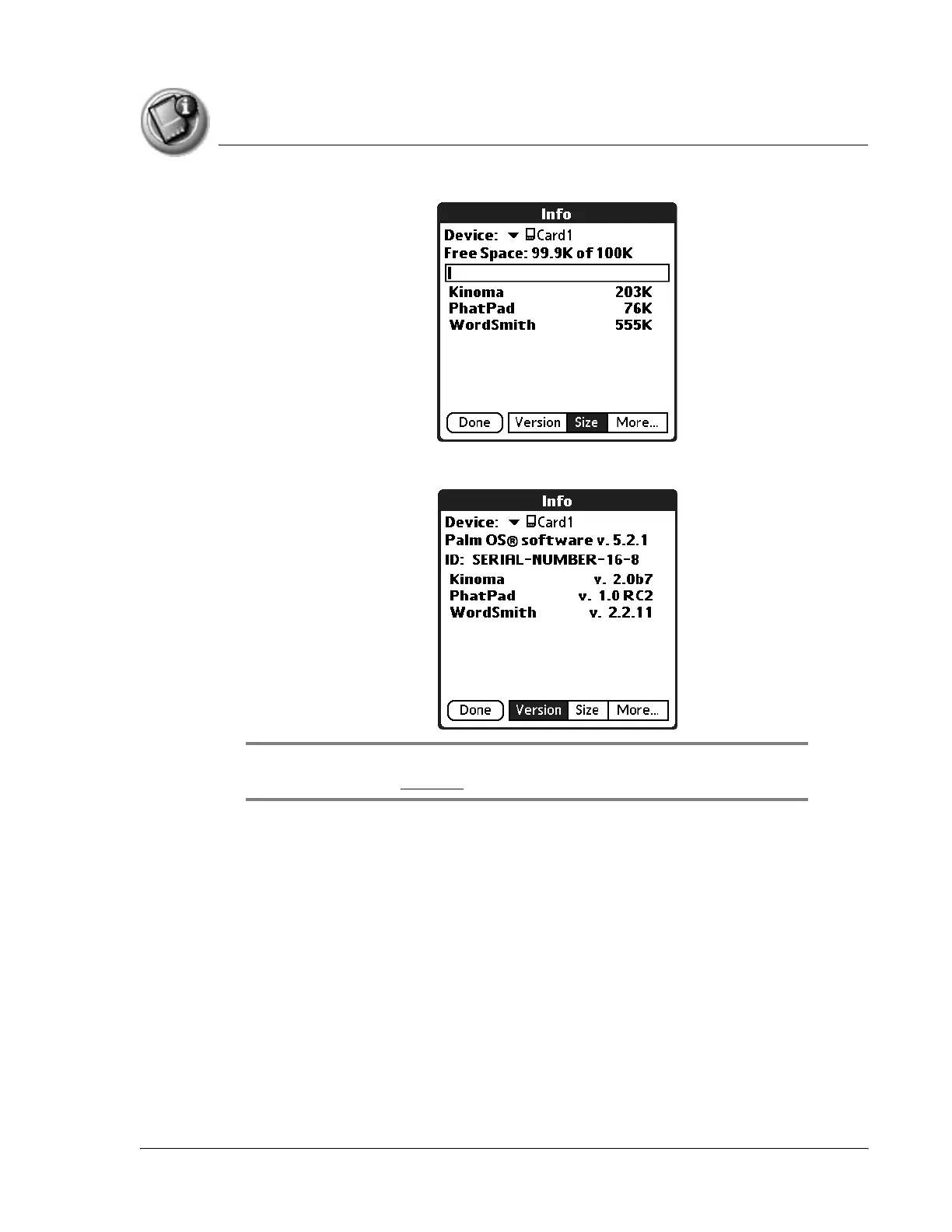
7. To display the application version, tap Version.
TIP: When you tap More, you access the CardInfo application, described in the
section that begins on page 161.
Copying an application from an expansion card
You can copy applications from an expansion card to any of the following:
• Another expansion cards
• Your handheld
• Your desktop software



 To Next Page