Using Your Zodiac Handheld 54
5
Using Photos
Photos provides a way to view and manage JPEG pictures files on your
handheld.
Use Photos to:
• View individual pictures stored on your handheld or an expansion
card.
• View pictures and create slide shows.
• Upload pictures from your computer to your handheld or an
expansion card.
• Update a picture list you created with the Photos component in Palm
Desktop software.
• Exchange pictures with friends and family. See the section that begins
on page 163 for details.
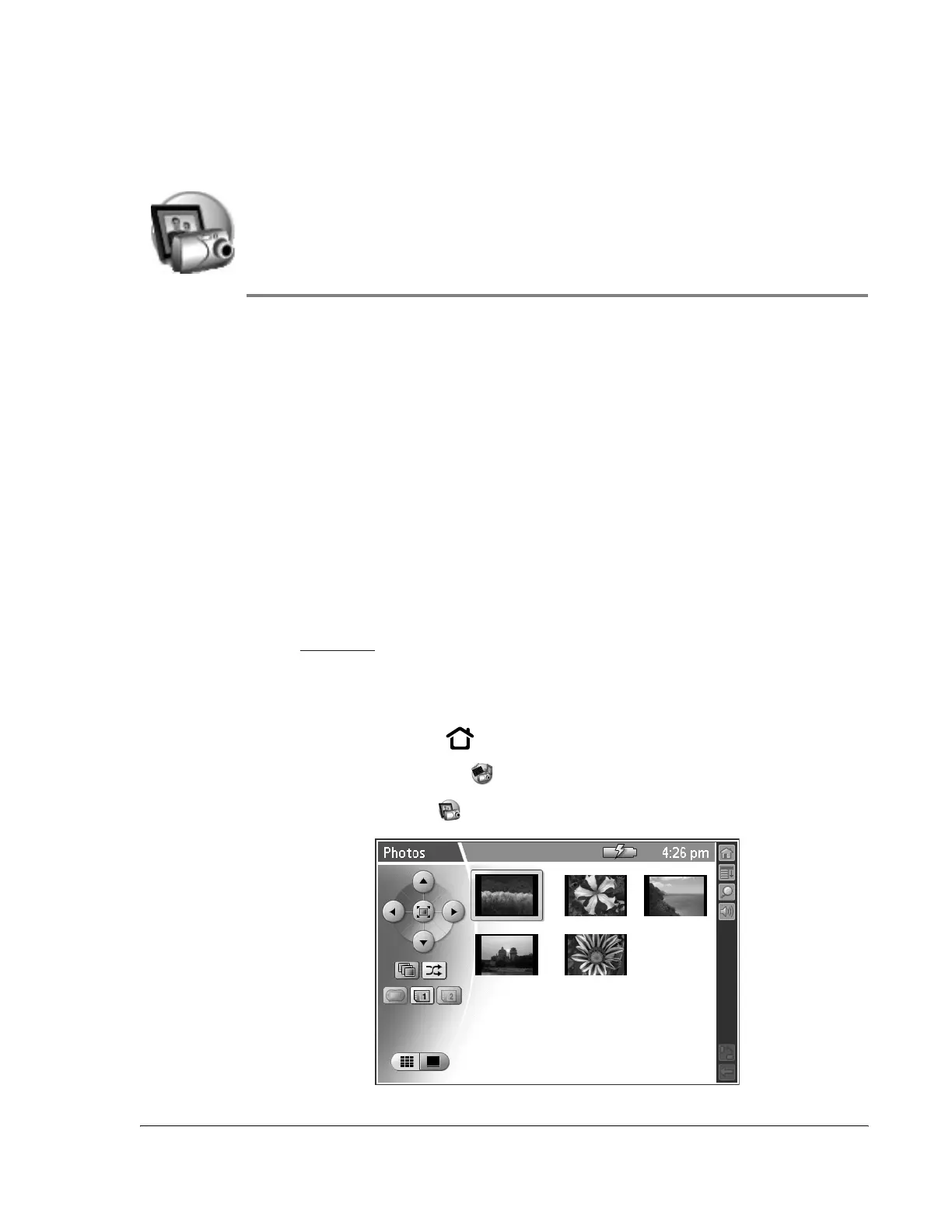
Opening Photos
1. Press the Home button .
2. Select the Media category .
3. Select the Photos icon .



 To Next Page