Using Your Zodiac Handheld 155
18
Using Expansion Cards
Zodiac lets you add expansion cards to your handheld. Use expansion cards
to:
• Expand your handheld’s storage capacity
• Share files with other people
• Backup your data
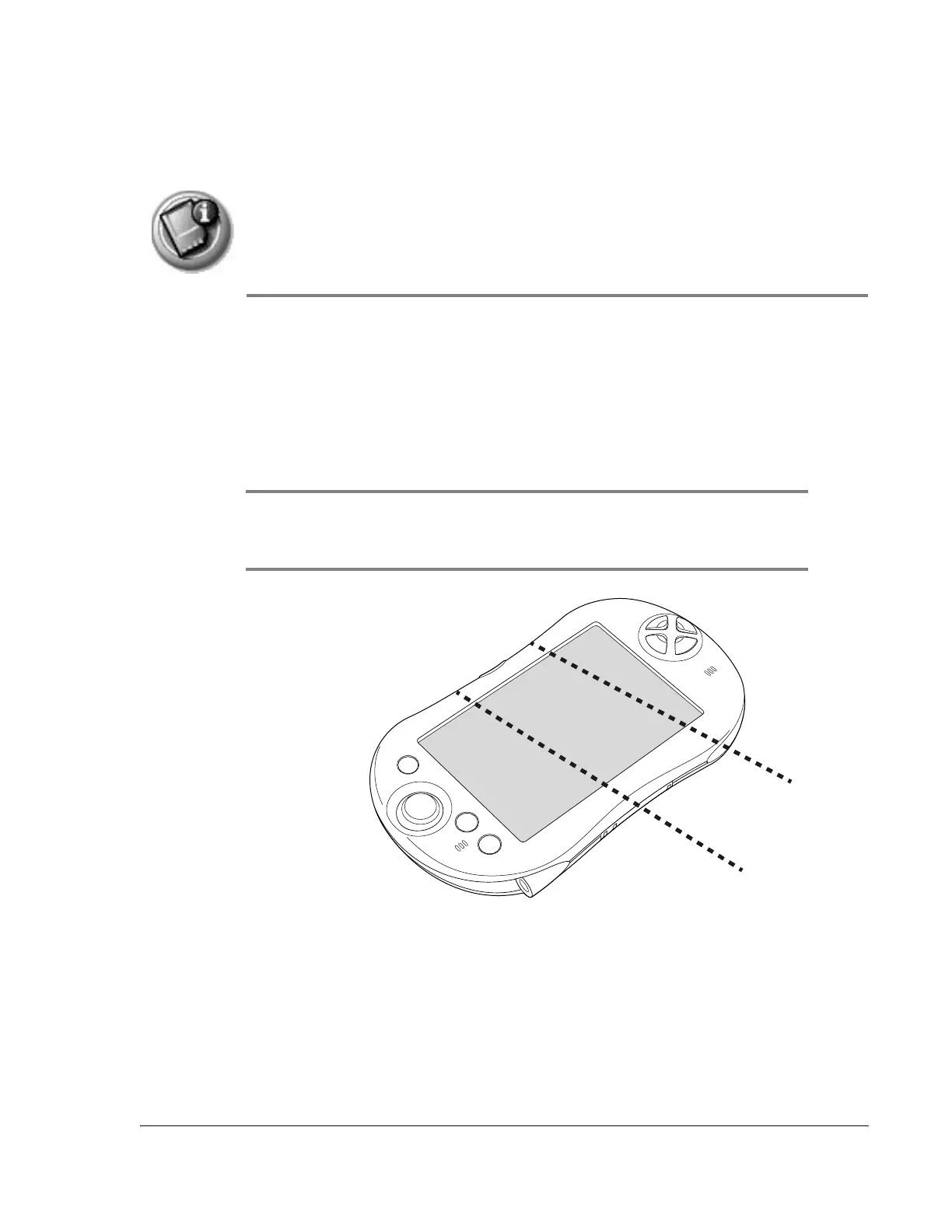
IMPORTANT: On your handheld, expansion slot 1 (left) is compatible with Secure
Digital (SD) and MultiMedia (MMC) expansion cards. Expansion slot 2 (right) also
supports SDIO expansion cards. Remember to use slot 2 for SDIO cards.
Slot 1 for
SD and
MMC
cards
Slot 2 for
SDIO, SD,
and MMC
cards



 To Next Page