Using Date Book
Setting the alarm
Using Your Zodiac Handheld 95
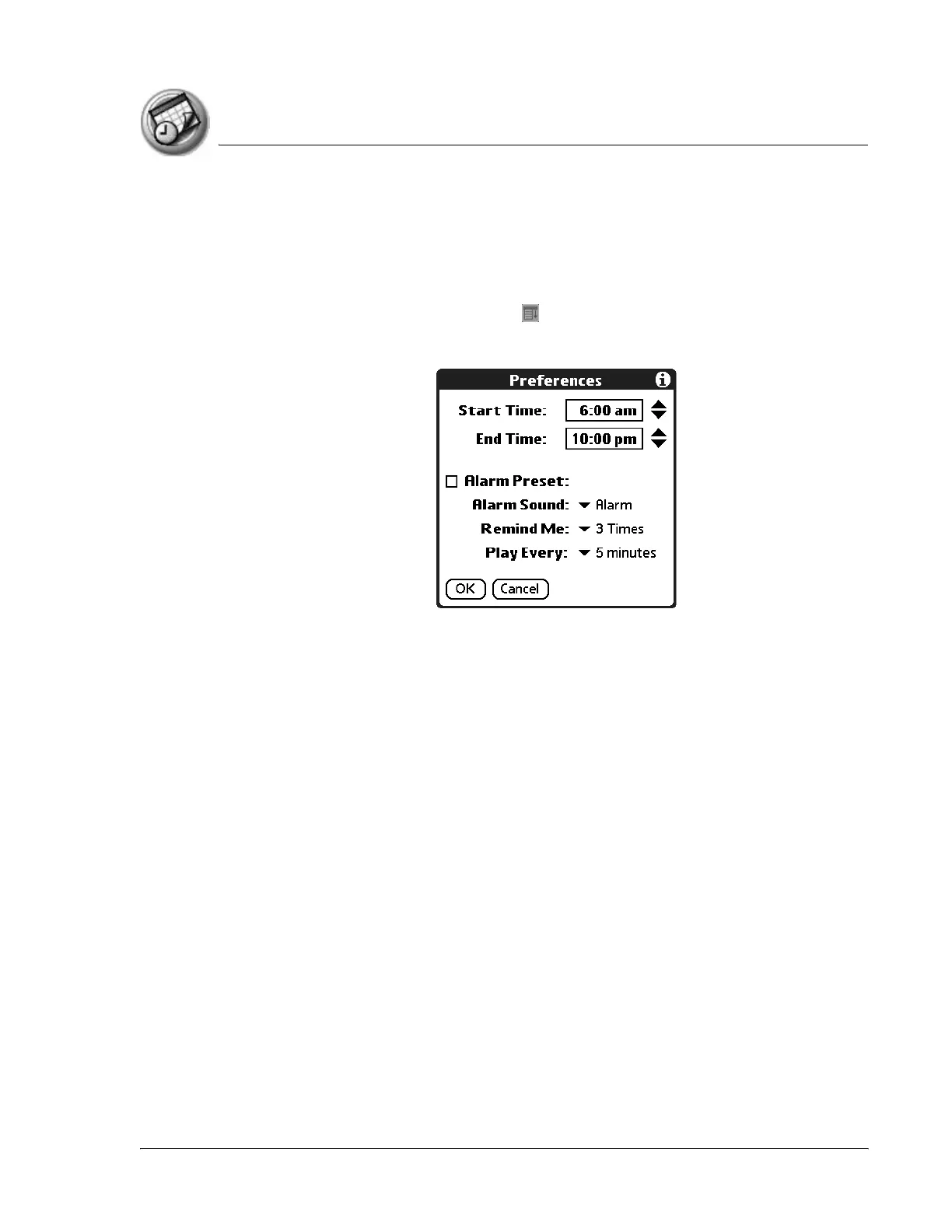
Setting alarm options
You can set the alarm to go off automatically for each new event using
preferences. You can also set a tone for the alarm and the number of times the
alarm sounds.
1. In Date Book, tap the Menu icon .
2. From the Options menu, select Preferences.
3. Select from the following options:
• Alarm Preset. Set an alarm for each new event automatically. The
silent alarm for untimed events is defined by minutes, days, or hours
before midnight of the date of the event.
• Alarm Sound. Select the tone of the alarm. Options include Alarm,
Alert, Bird, Concerto, Phone, Sci-fi, and Wake Up.
• Remind Me. Define how many times the alarm sounds—once, twice,
three, five, or ten times.
• Play Every. Set how often the alarm sounds—every 1, 5, 10, or 30
minutes.
4. Tap OK.



 To Next Page