Introduction to your Zodiac Handheld
Zodiac components
Using Your Zodiac Handheld 20
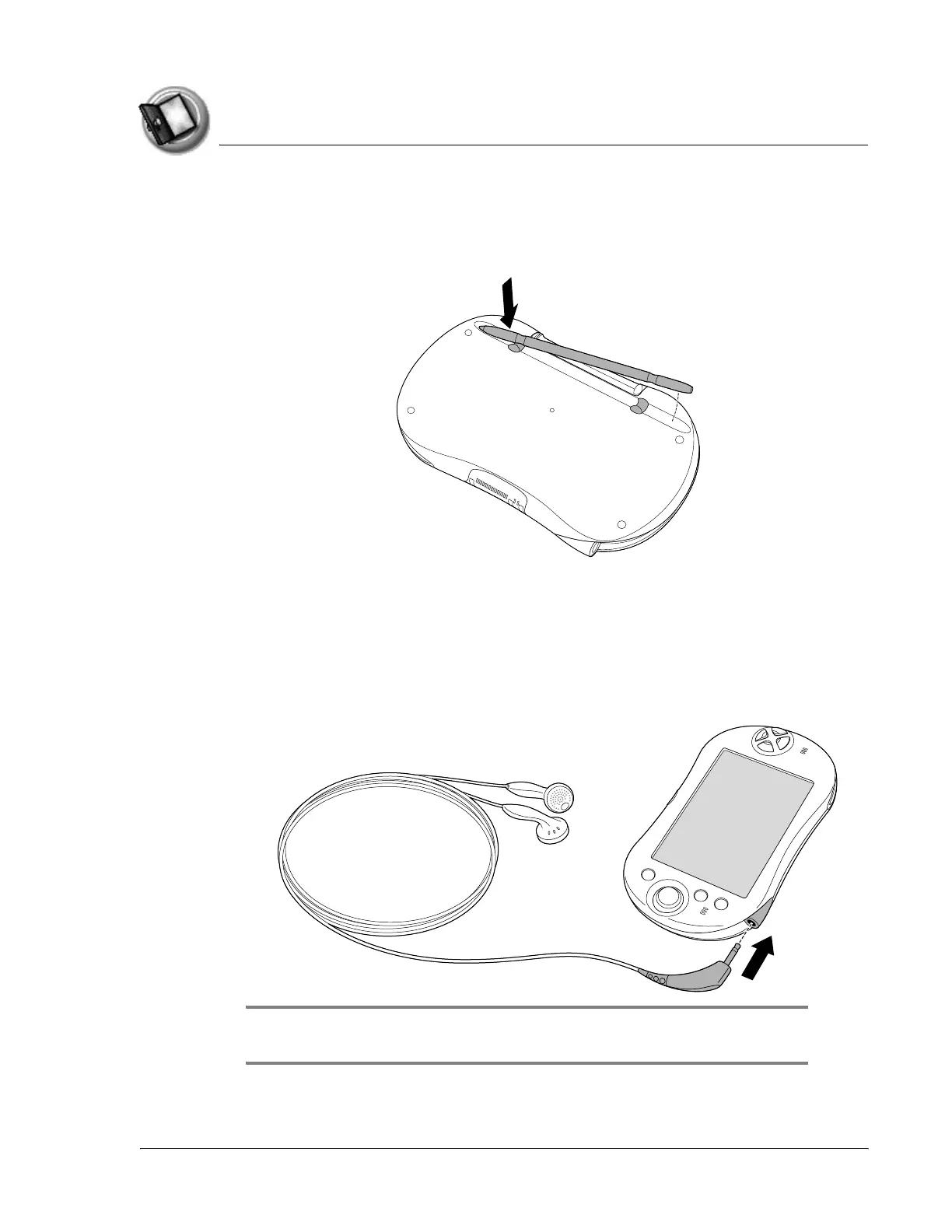
Removing the stylus
To use the stylus, remove it from the channel and hold it as you would a pen
or pencil.
Connecting the headphones
Your Zodiac handheld includes a pair of stereo headphones that you can use
while listening to music, playing games, or watching video clips. Using
headphones or external speakers instead of the built-in speakers also
conserves battery power.
IMPORTANT: When using the headphones, keep the volume soft. Listening to
loud volumes through the headphones can permanently damage your hearing.



 To Next Page