Using Your Zodiac Handheld 103
11
Using Memo Pad
Memo Pad provides a place to take notes that are not associated with records
in your other applications.
Use Memo Pad to:
• Take notes or write any kind of message on your handheld.
• Assign memos to categories so that you can organize and view them in
logical groups.
• Write down phone numbers and other types of information. Later, you
can copy and paste this information into other applications.
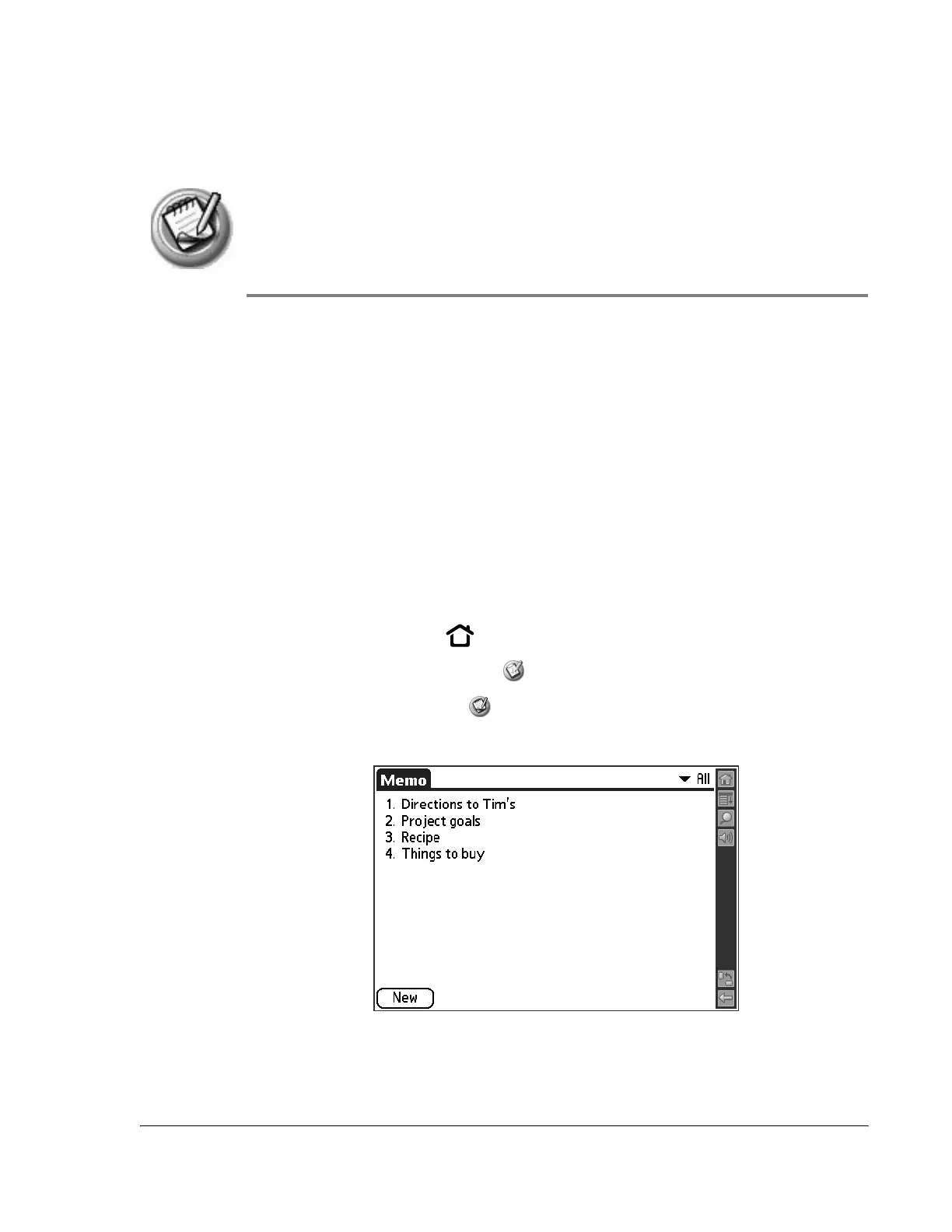
Opening Memo Pad
1. Press the Home button .
2. Select the Organizer category .
3. Select the Memo Pad icon .
Memo Pad opens to display the last Memo Pad screen that you viewed.



 To Next Page