Security
Assigning and editing passwords
Using Your Zodiac Handheld 148
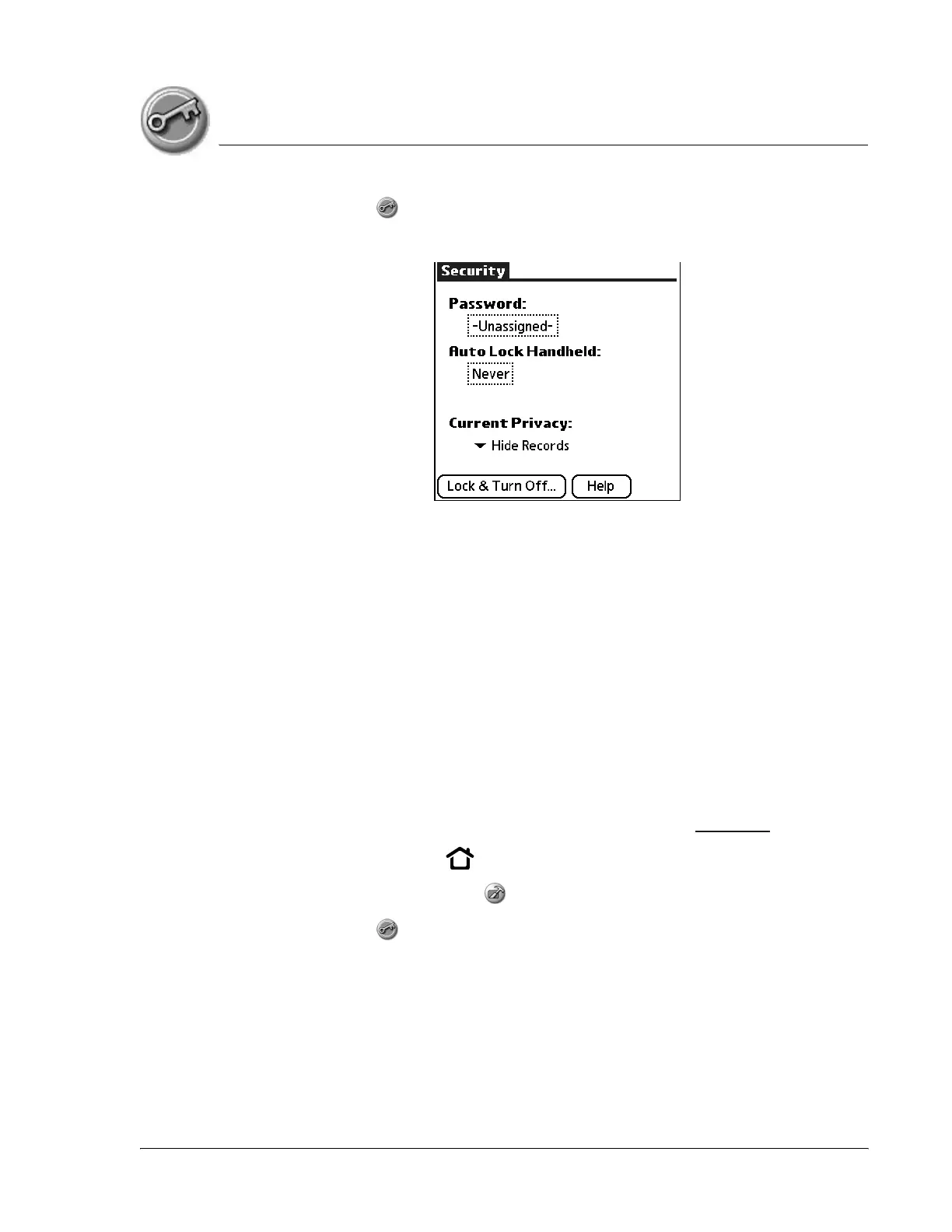
4. Select Security .
5. From the Current Privacy pick list, select Hide Records.
6. When you return to the Organizer applications, records marked as private
are not included in the display.
Note that you can mask or hide records without assigning a password, or you
can assign a password if you want records to remain masked or hidden until a
password is entered.
Assigning and editing passwords
You can assign a password to protect your private records and to lock your
handheld.
Once you define a password, you can change or delete it at any time. You
must enter the current password before you can change or delete it.
If you’ve forgotten your password, you can delete it, see page 150.
1. Press the Home button .
2. Select the Utilities category .
3. Select Security .
4. Tap the Password box.



 To Next Page