Introduction to your Zodiac Handheld
Learning to navigate
Using Your Zodiac Handheld 29
TIP: If you wait more than four seconds to draw the quick stroke letter, you need
to redraw the menu command stroke to redisplay the command toolbar.
Tips
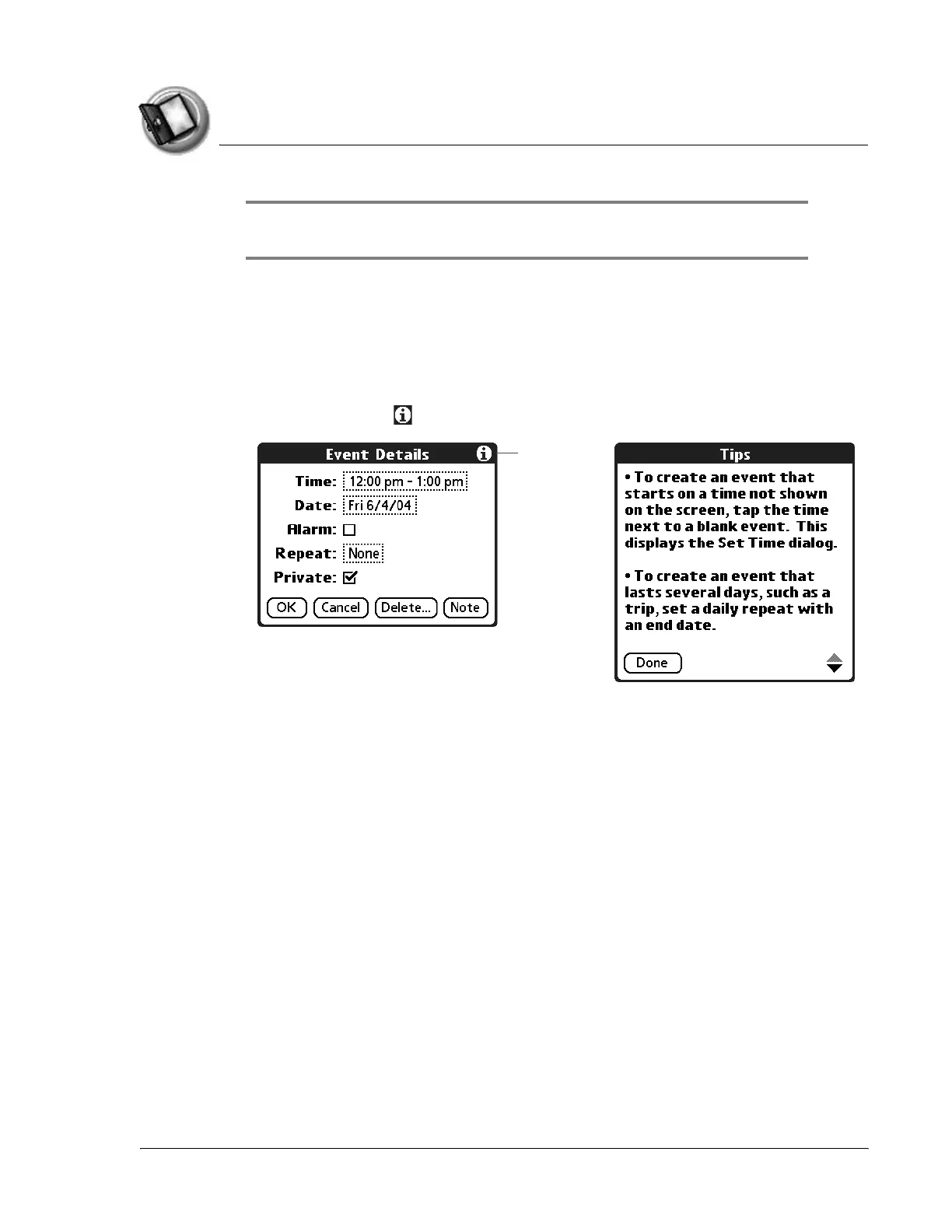
Many of the dialog boxes that appear on your handheld contain a Tips icon in
the upper-right corner. Tips anticipate questions you may have and provide
shortcuts for using the dialog box or other useful information.
1. Tap the Tips icon in the upper-right corner of the dialog box.
2. Tap Done after reading the tip.
Tips icon



 To Next Page