Using Address Book
Adding and using Address Book entries
Using Your Zodiac Handheld 79
Adding and using Address Book entries
Address Book stores name and address information about people or
businesses.
Creating an Address Book entry
A record in Address Book is called an entry. You can create entries on your
handheld, or you can use Palm Desktop software to create entries on your
computer and then download them to your handheld with your next HotSync
operation.
Palm Desktop software also has data import capabilities that let you load
database files into Address Book on your handheld. See page 39 and Palm
Desktop online Help for more information.
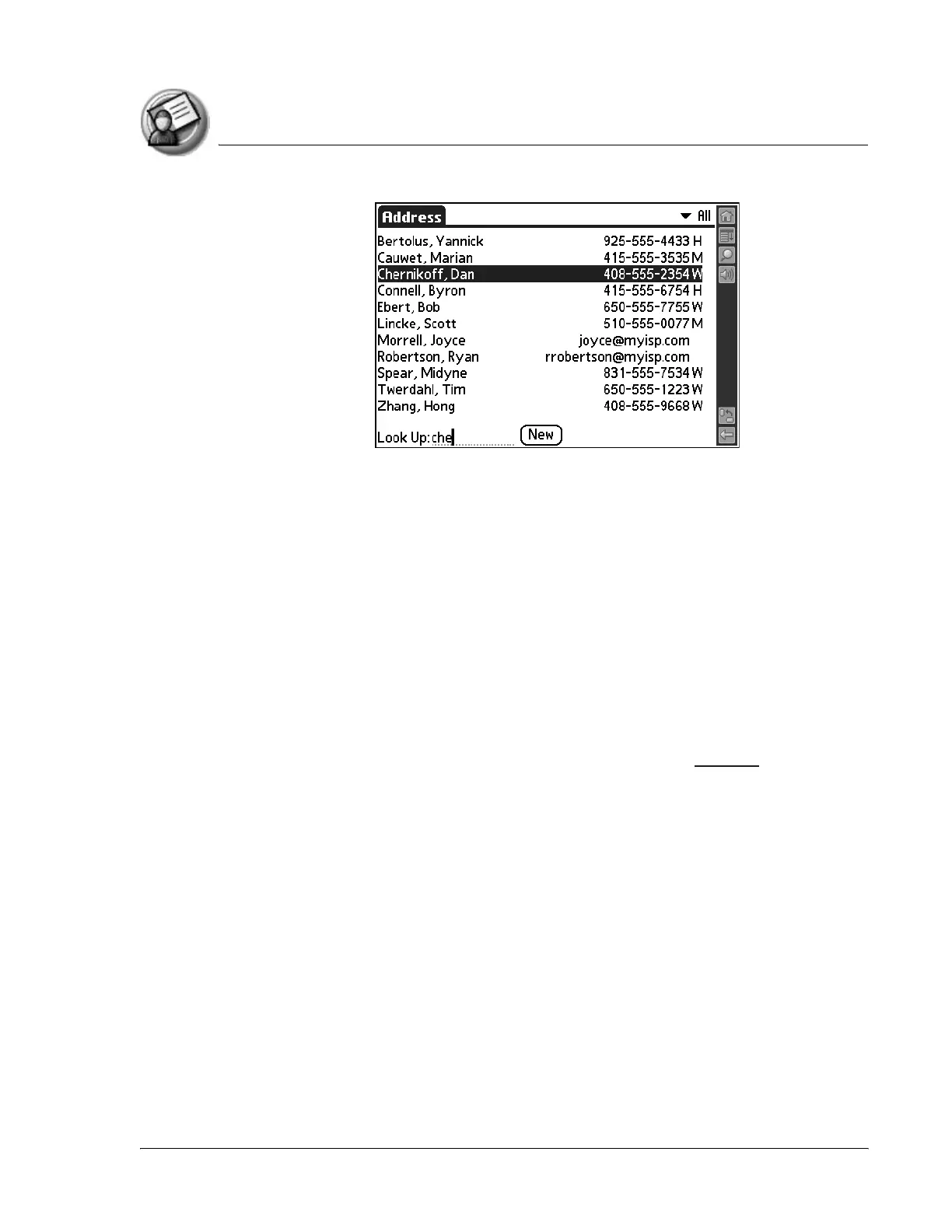
1. Open Address Book.
2. Tap New.



 To Next Page