Using Address Book
Adding and using Address Book entries
Using Your Zodiac Handheld 80
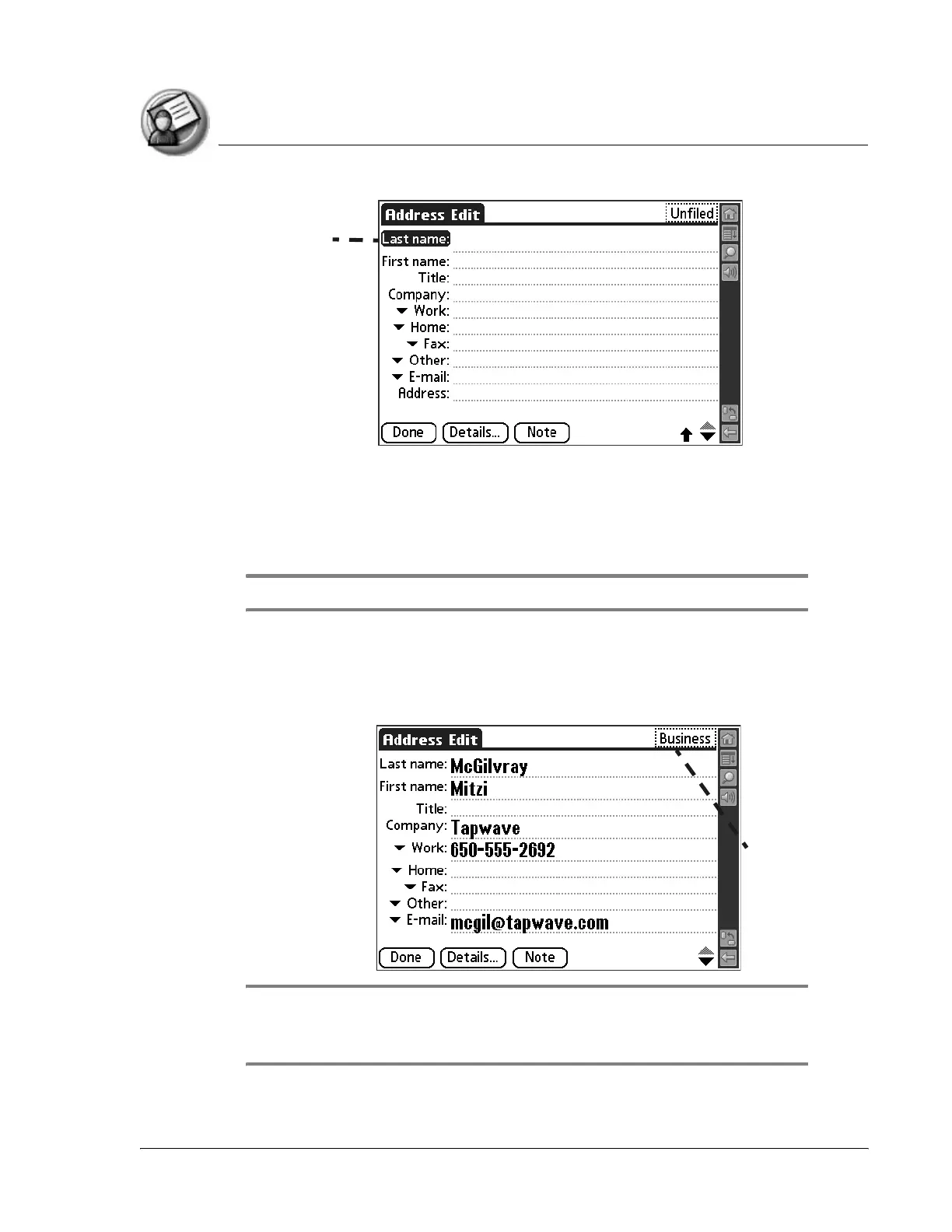
3. Enter the last name of the person you want to add to your Address Book.
4. Tap the First Name field and enter the person’s first name.
5. Tap any field and enter any other information that you want to include in
the entry.
NOTE: If you plan to sort entries by company name, be sure to enter a company name.
6. Tap the scroll arrows to move to the next page of information.
7. To attach a note to an entry, tap Note. Enter the note, and then tap Done.
8. After you finish entering information, tap Done.
TIP: To create an entry that always appears at the top of the Address List, begin
the Last name or Company field with a symbol, as in *If Found Call.* This entry can
contain contact information in case you lose your handheld.
Cursor
at Last
name
Tap here to assign
entry to a category



 To Next Page