Introduction to your Zodiac Handheld
Connecting the cable or cradle
Using Your Zodiac Handheld 12
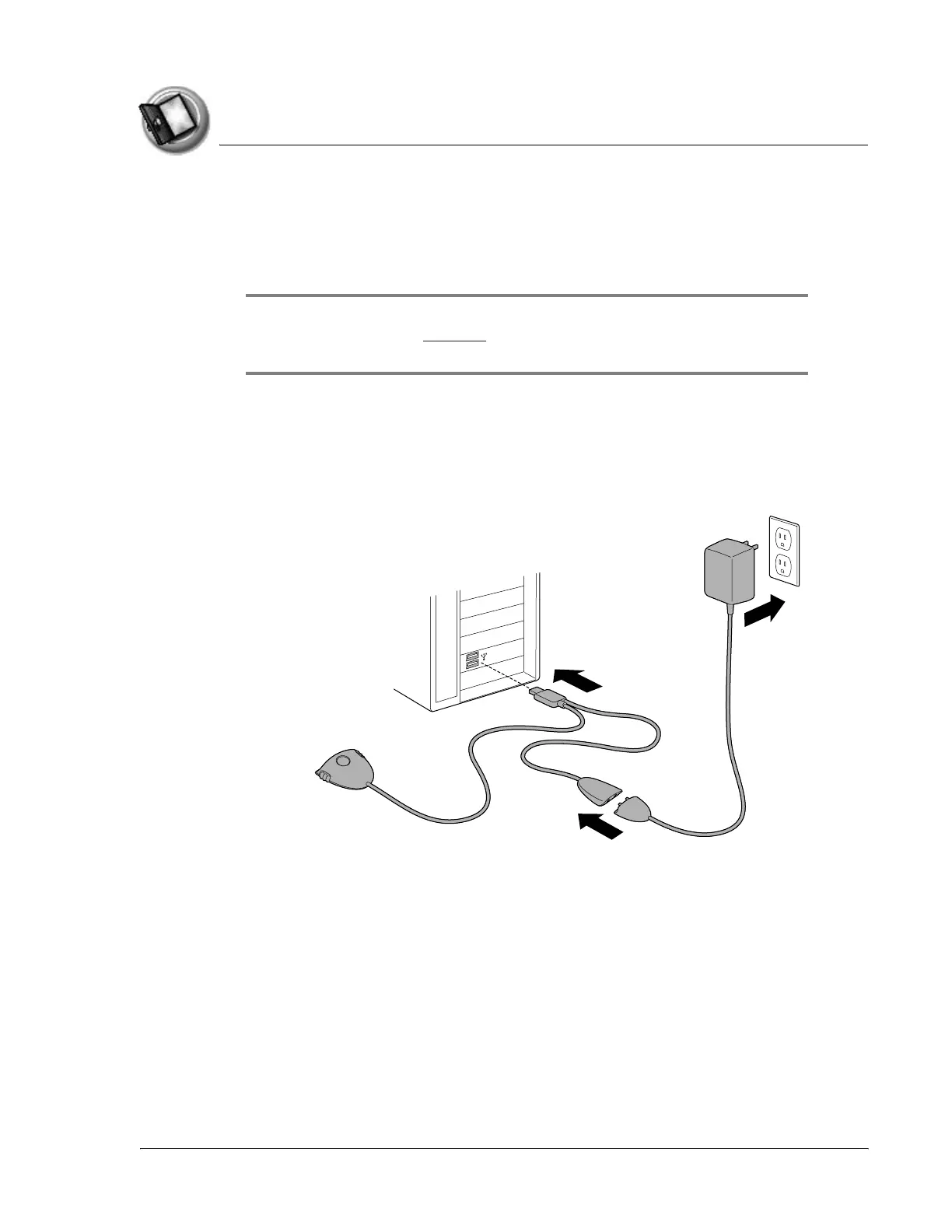
Connecting the cable or cradle
The HotSync cable or cradle that comes with your Zodiac handheld enables
you to synchronize the information on your handheld with your computer.
IMPORTANT: If you are upgrading from another Palm Powered™ handheld,
follow the instructions on page 167 before connecting the cradle and installing the
Palm Desktop software.
1. Turn off your computer.
2. Plug the HotSync cable or cradle into a USB port on your computer.
3. Plug the power adapter into a power outlet.
4. Connect the power adapter cable and the HotSync cable.



 To Next Page