Using Calculator
Displaying recent calculations
Using Your Zodiac Handheld 115
Displaying recent calculations
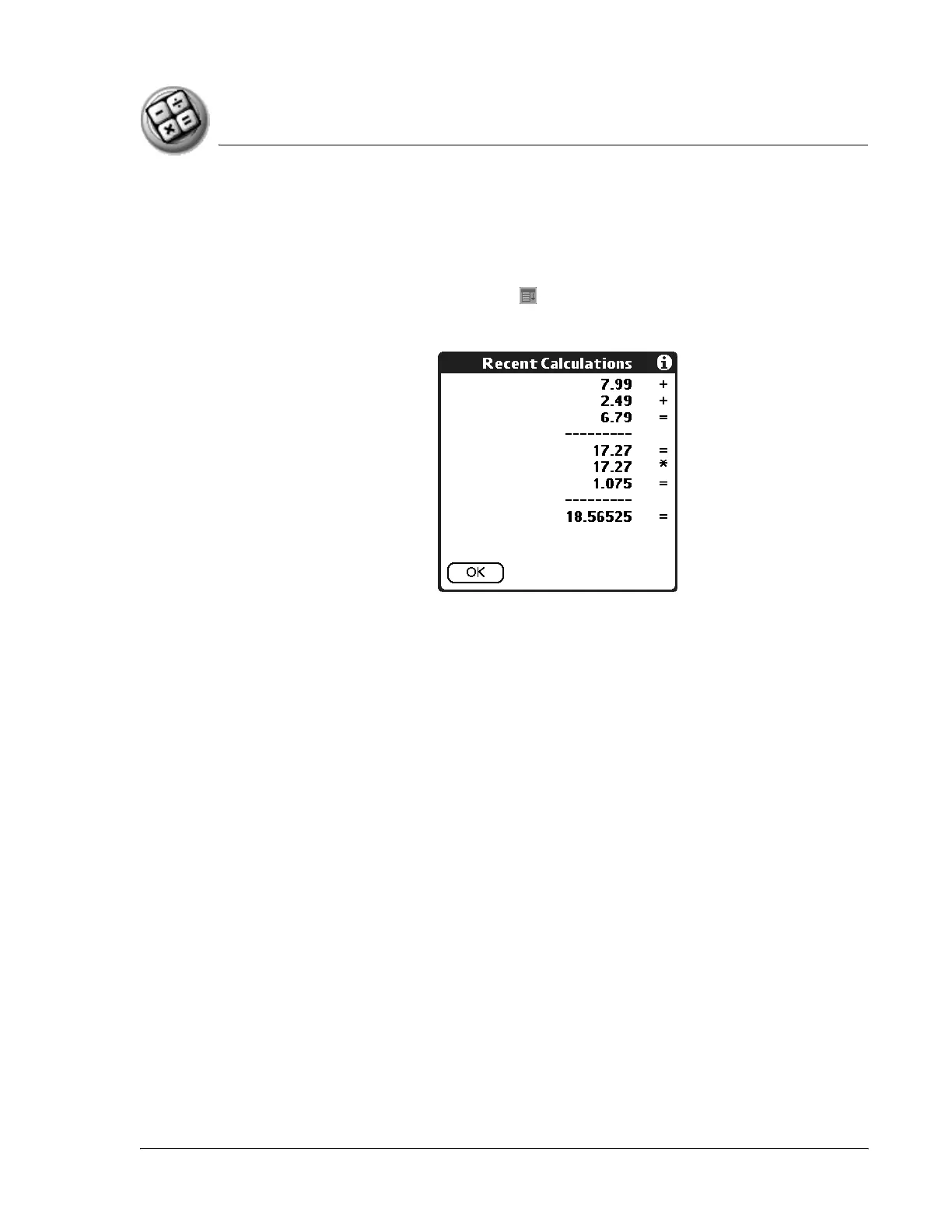
The Recent Calculations command lets you review the last series of
calculations and helps you confirm a chain of calculations.
1. In Calculator, tap the Menu icon .
2. From the Options menu, select Recent Calculations.
3. After you finish reviewing the calculations, tap OK.



 To Next Page