Using Expansion Cards
Using CardInfo
Using Your Zodiac Handheld 162
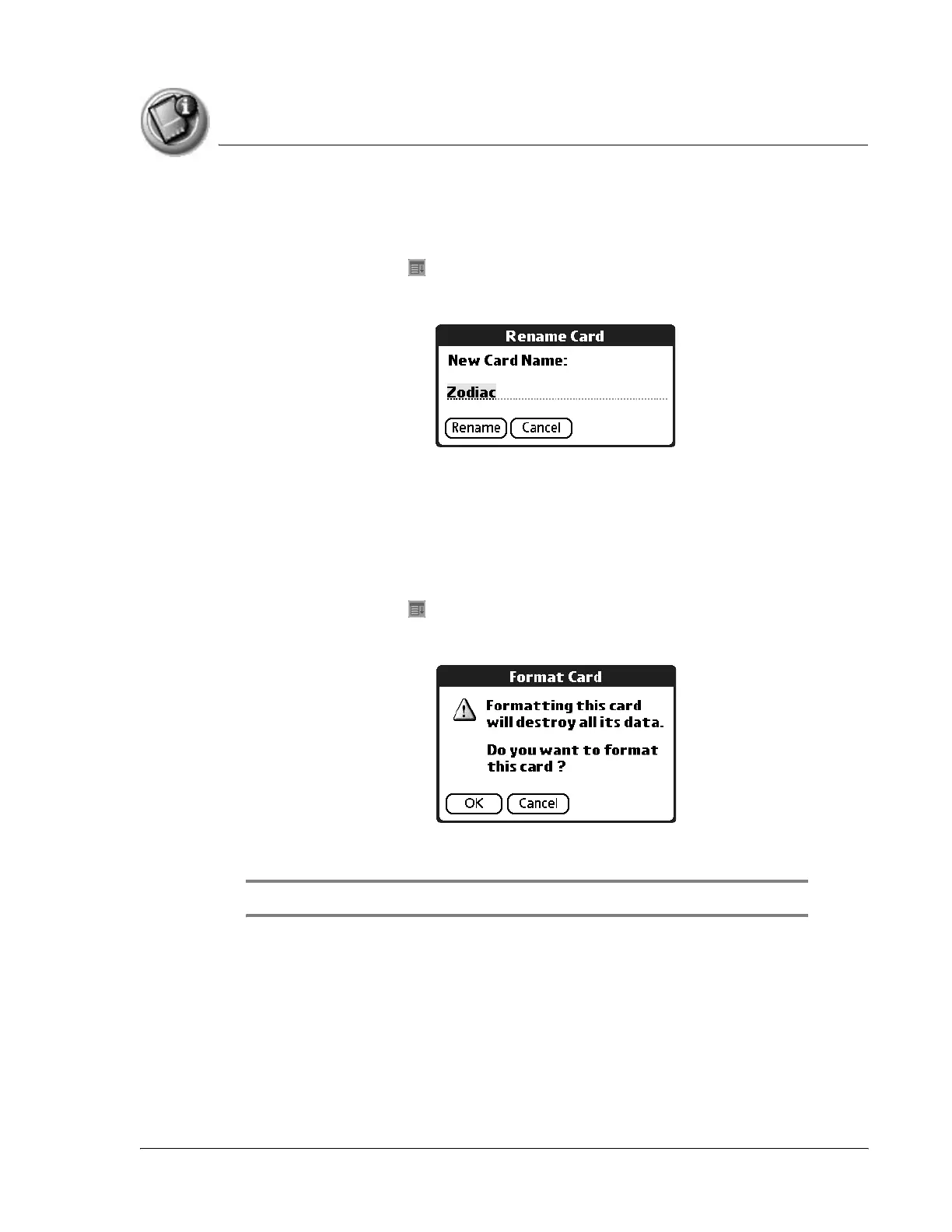
Renaming an expansion card
1. Open Card Info.
2. Tap the Menu icon .
3. From the Card menu, select Rename Card.
4. Enter the new name in the Rename Card dialog box.
5. Tap Rename.
Reformatting an expansion card
1. Open Card Info.
2. Tap the Menu icon .
3. From the Card menu, select Format Card.
4. Tap OK.
IMPORTANT: Reformatting an expansion card erases all of its data.



 To Next Page