Using Your Zodiac Handheld 50
4
Using Music
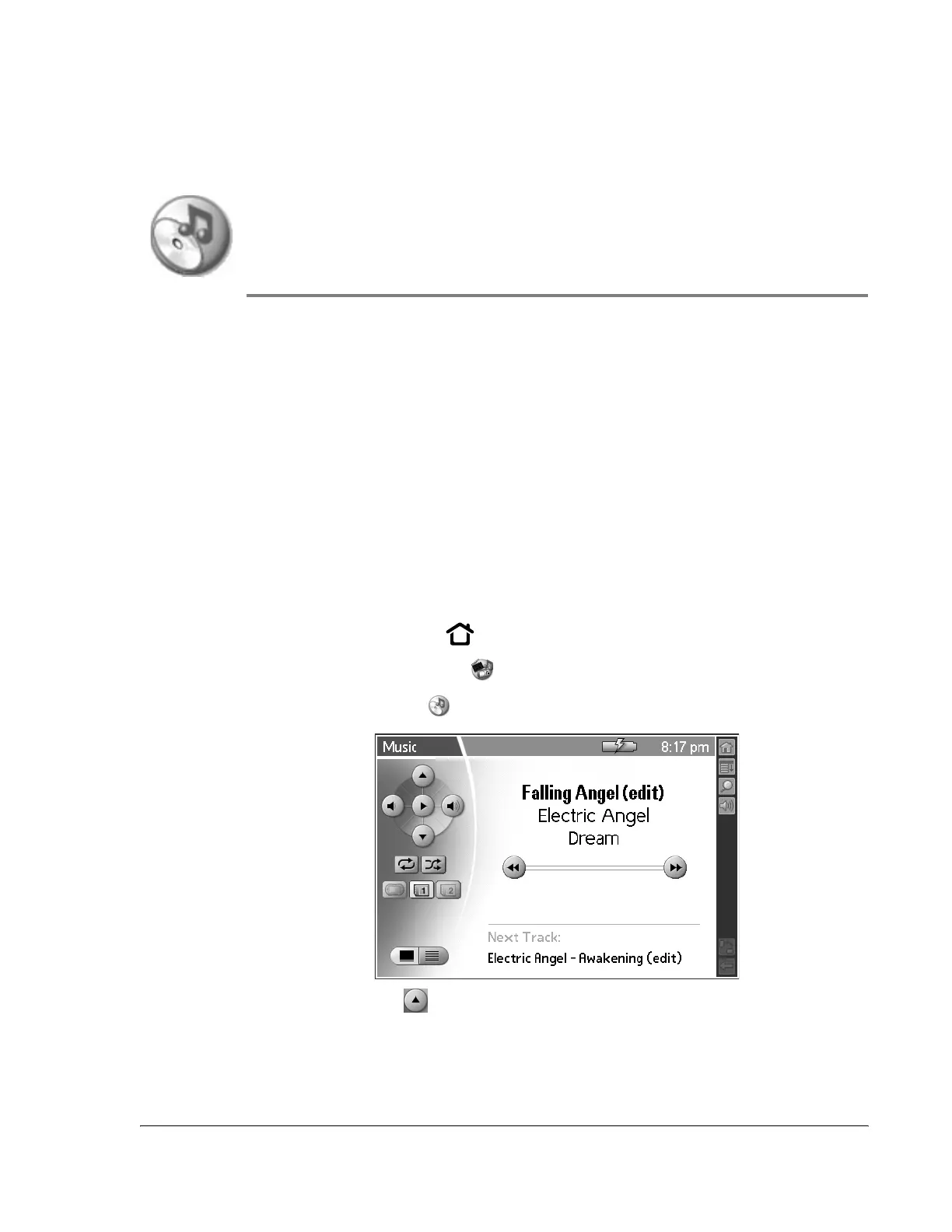
Music provides a full-featured mobile MP3 player right on your handheld.
Use Music to:
• Listen to songs and other MP3 files stored on your handheld or an
expansion card.
• Upload songs from your computer to your handheld or an expansion
card.
• Update a list of songs you created with the Music component in Palm
Desktop software.
Opening Music
1. Press the Home button .
2. Select the Media category .
3. Select the Music icon .
• Previous Track . Restart the current track, or if the current track has
been playing for less than 2 seconds, select the previous track on the
song list.



 To Next Page