Using Date Book
Setting the alarm
Using Your Zodiac Handheld 94
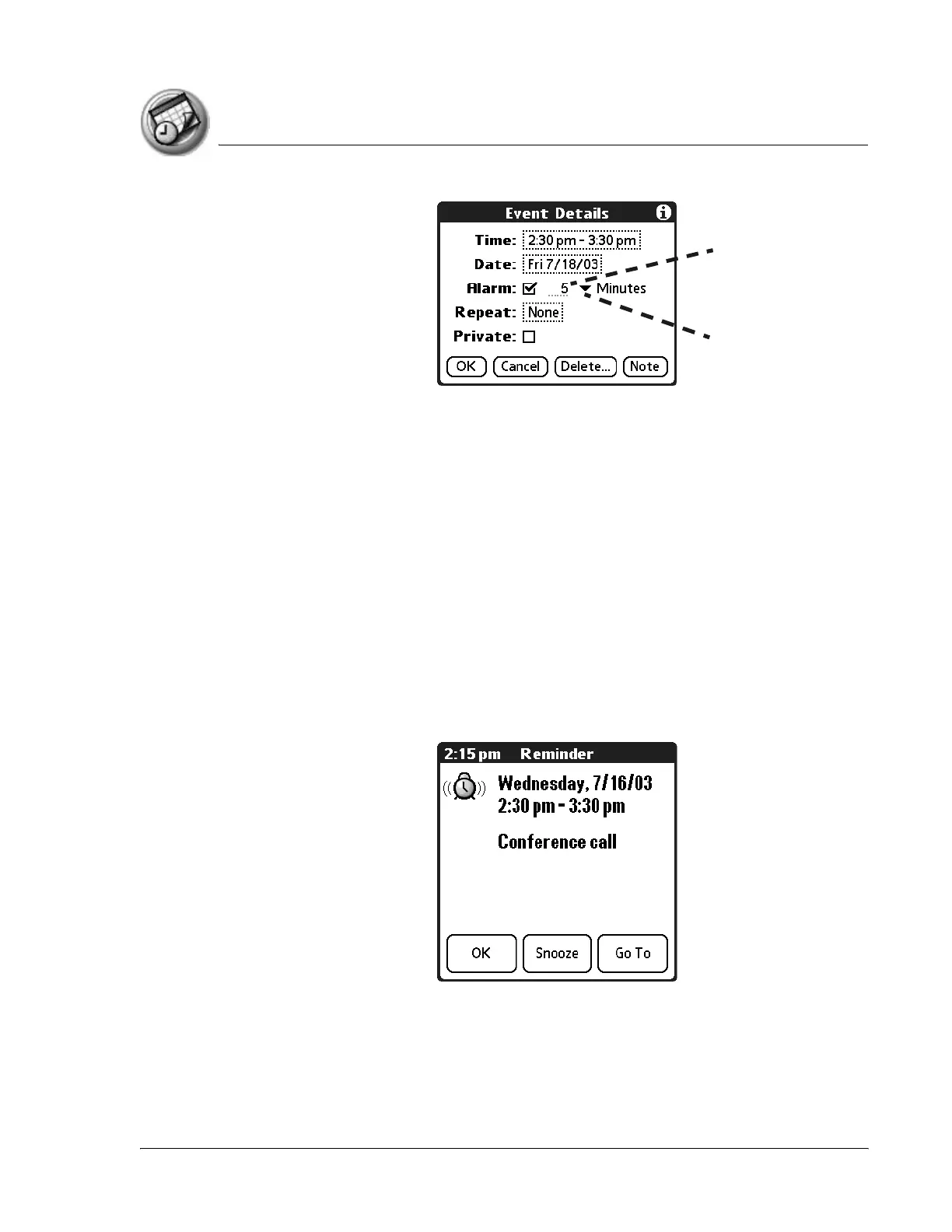
4. Set the alarm time:
• Enter any number from 0 to 99 (inclusive) as the number of time units.
• From the pick list, select the time unit --Minutes, Hours, or Days.
5. Tap OK.
Once an alarm goes off, you can tap the Snooze option to dismiss the alarm
for a 5-minute period.
Snoozing the alarm
When the alarm dialog box appears, tap Snooze to delay the alarm for a preset
five-minute period.
Each time you tap Snooze, the alarm dismisses for an additional 5-minute
period.
Unit of time
Number of
time units



 To Next Page